English Cafe
An illustrated onboarding and teaching-workspace concept for English learning.
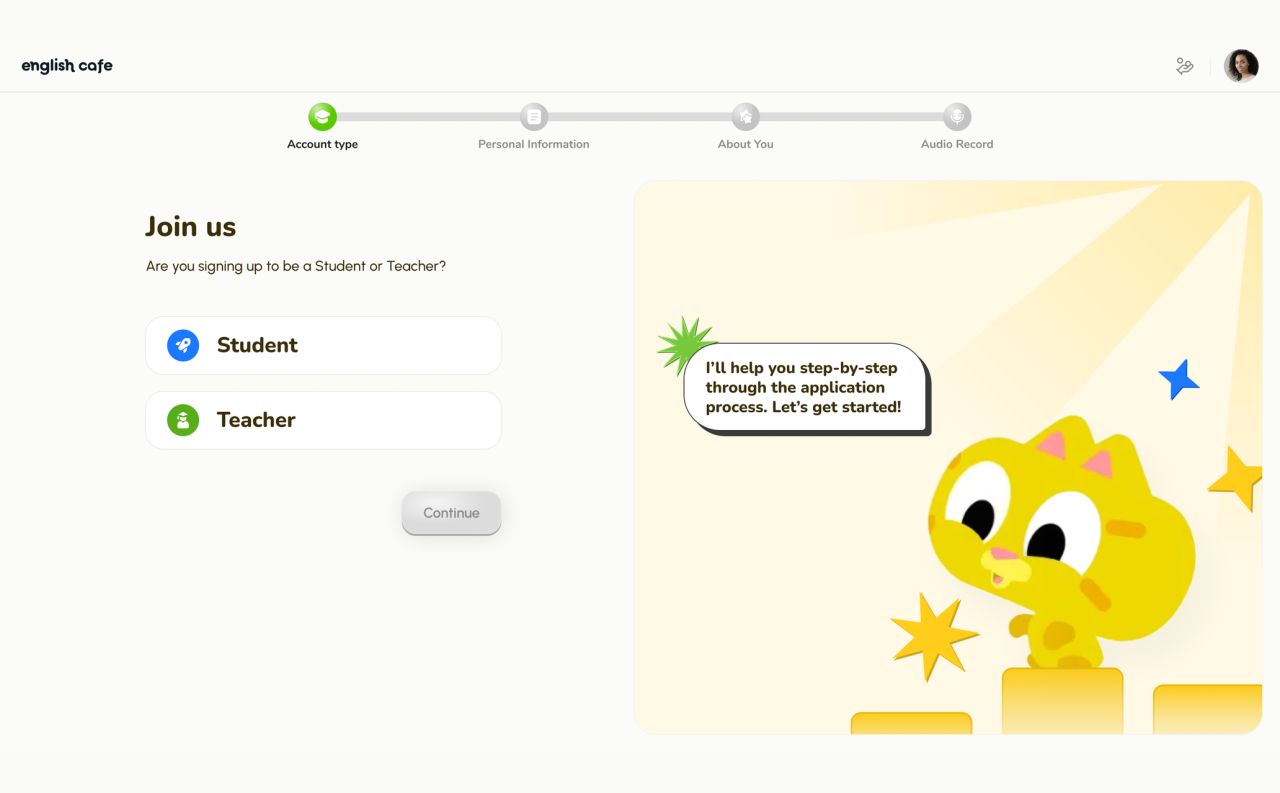
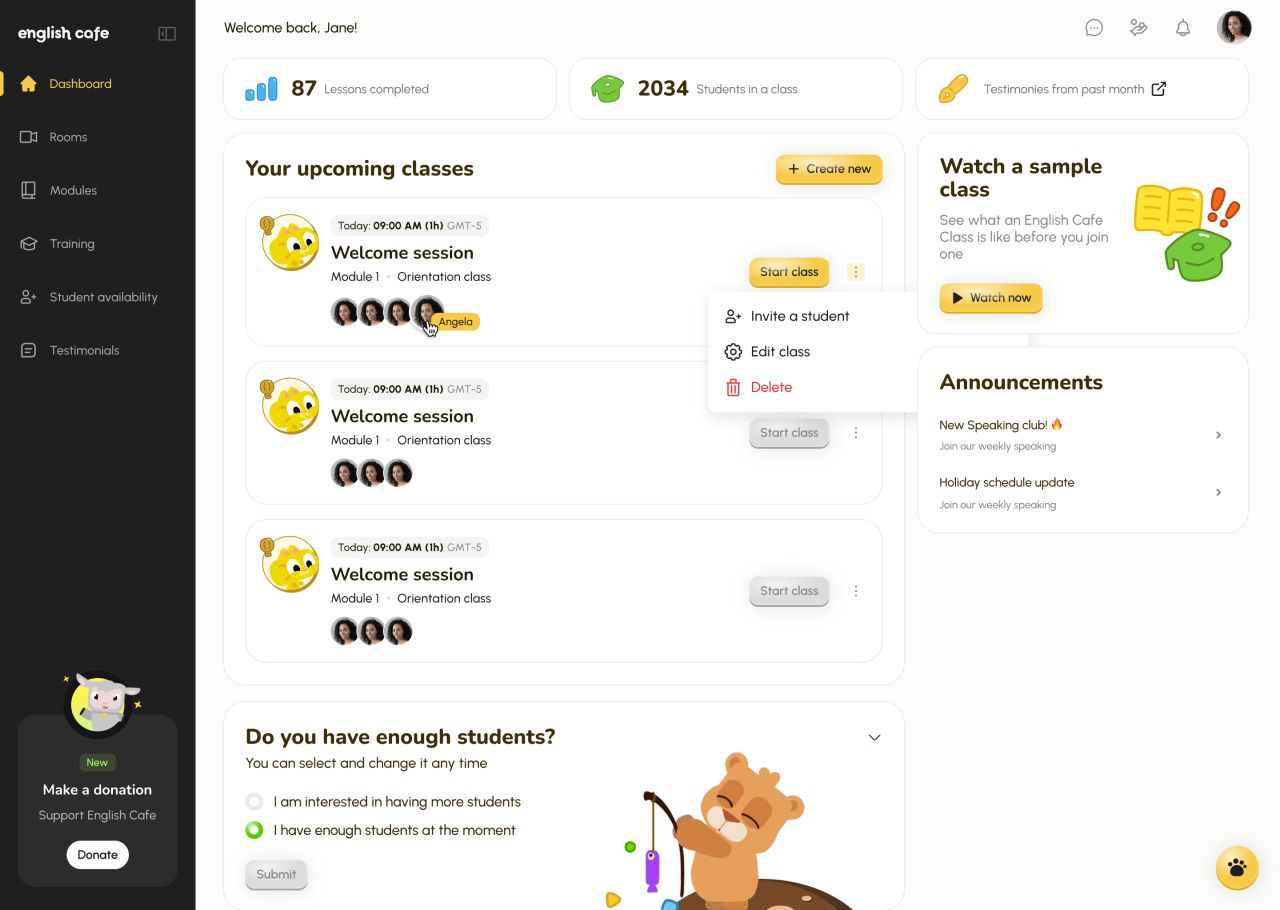
The concept shows English Cafe, an English-learning web application with student and teacher account choices, faith-based application questions, an audio introduction, a welcome screen, and a teacher dashboard. A yellow mascot and rounded interface elements connect the supplied designs.
A focused application flow
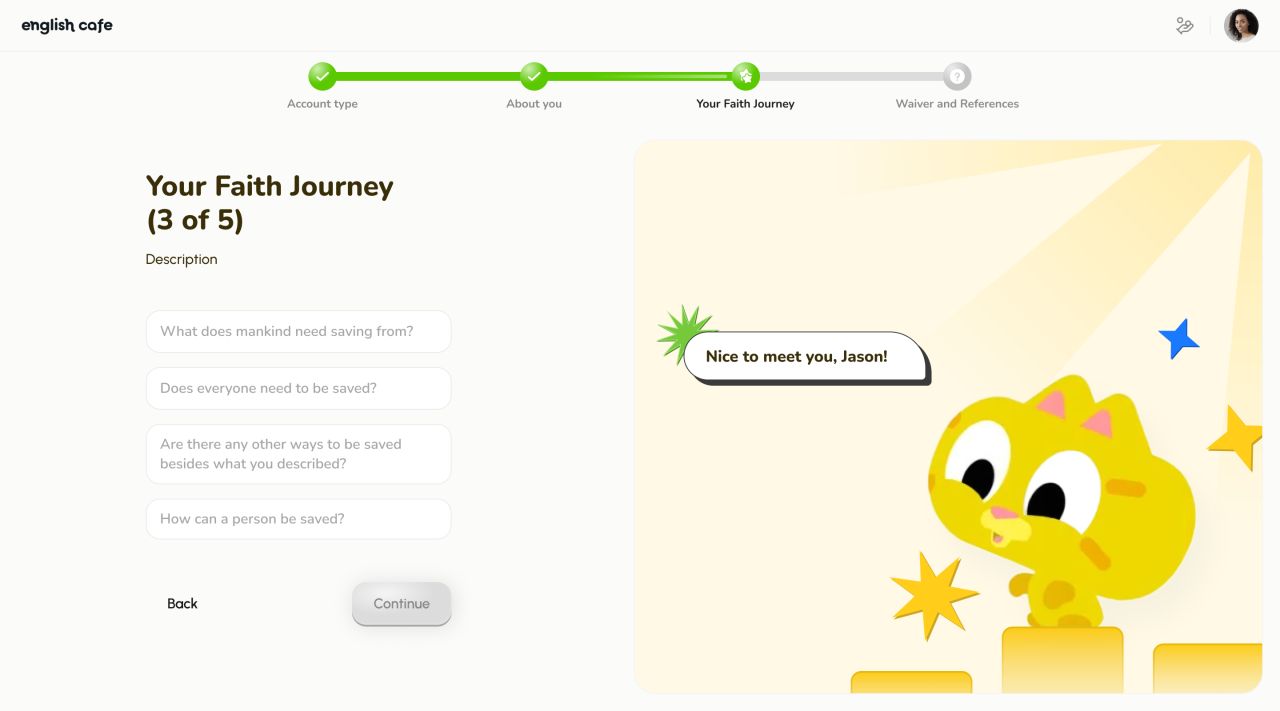
The concept begins with a choice between Student and Teacher. The next supplied screen asks about the applicant’s faith journey, combining a visible progress indicator with a short form and guidance from the yellow mascot.
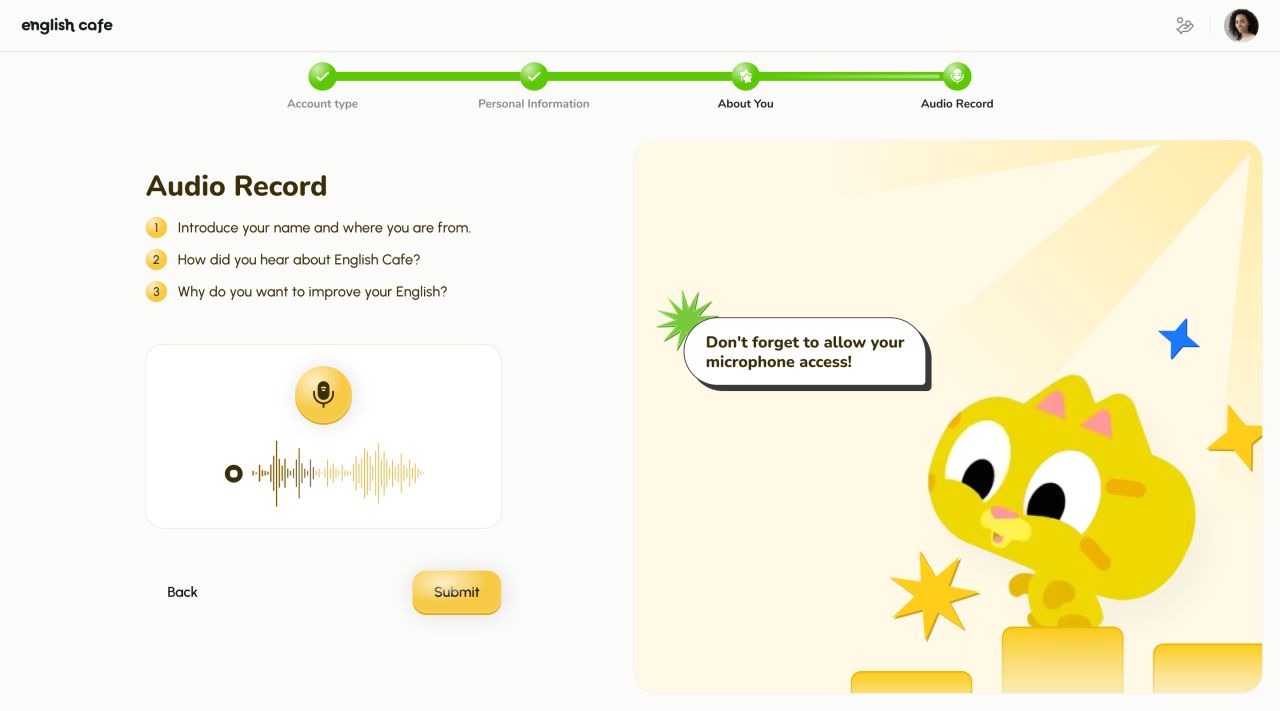
Introduce yourself in your own voice
The audio step presents three prompts above a microphone control and waveform. A reminder about microphone access sits alongside the form, while Back and Submit keep the next action clear.
A clear next step
The completion screen replaces the form with a celebratory mascot illustration and a single invitation to schedule an interview. The welcome message keeps the transition connected to the onboarding flow.

Classes in one workspace
The teacher dashboard brings upcoming classes, participant avatars, announcements, and a sample-class link into a card-based layout. An open class menu shows invitation, editing, and deletion actions, while a separate panel records availability for additional students.
Our approach
Guidance at each step
Progress indicators, short prompts, and contextual mascot messages give each application screen a clear purpose.
A consistent visual language
Yellow accents, rounded controls, and illustrated characters connect onboarding with the teaching workspace.
Focused information hierarchy
Single-purpose forms lead into a dashboard that separates classes, announcements, and account actions into distinct areas.