Movier
Film discovery, viewer accounts, and a partner portal.
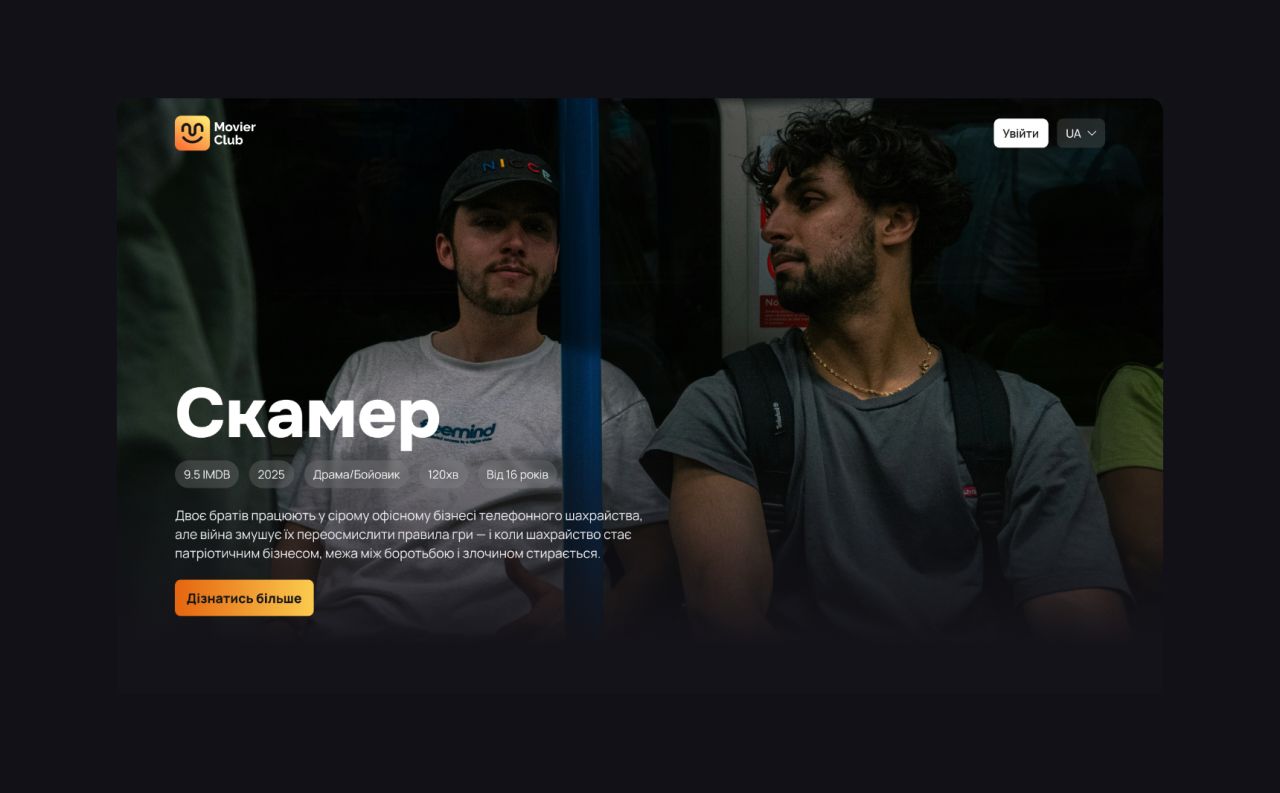
Movier Club is a Ukrainian cinema platform. The supplied concept shows a film-led website, sign-in and purchase dialogs, viewer account screens, and a partner portal.
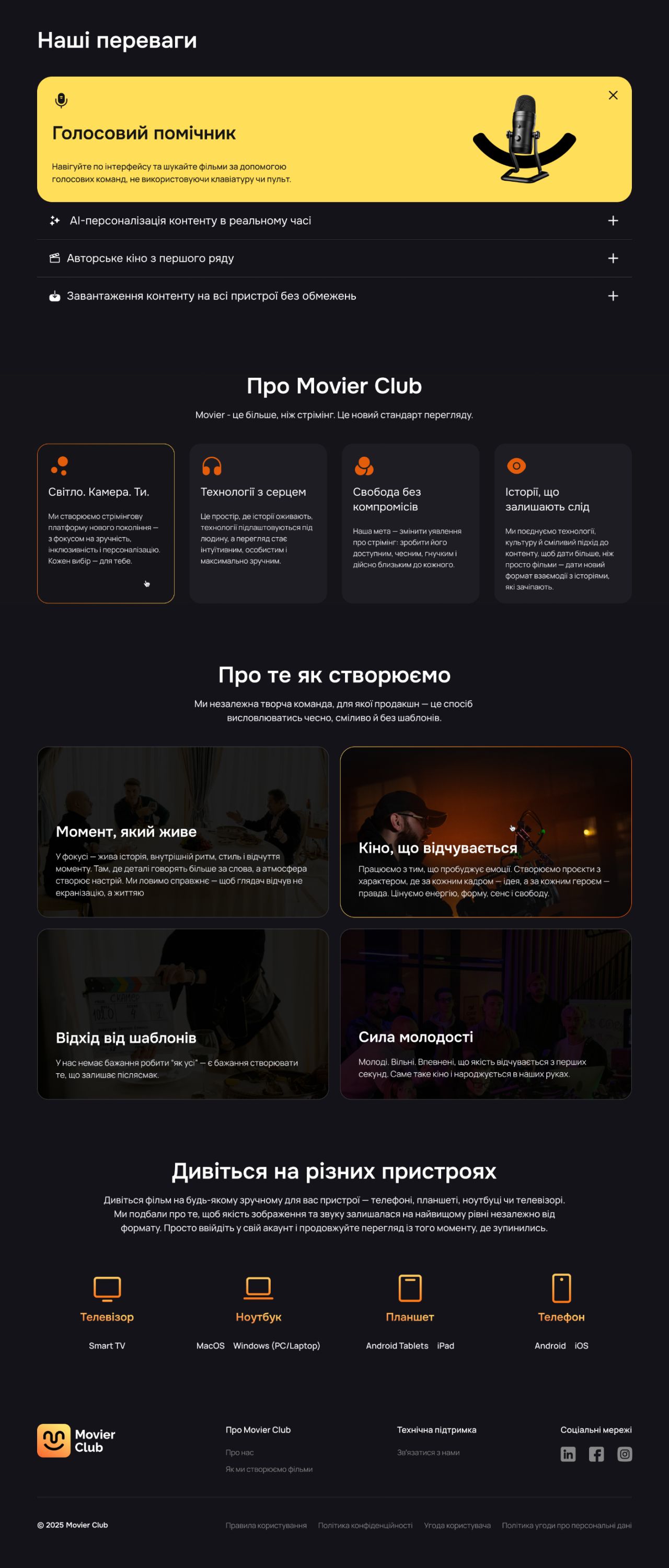
Landing page — benefits, about, filmmaking, supported devices, and footer.
A film in focus
The film detail page brings together a synopsis, trailer, stills, cast cards, film metadata, and a watch action.
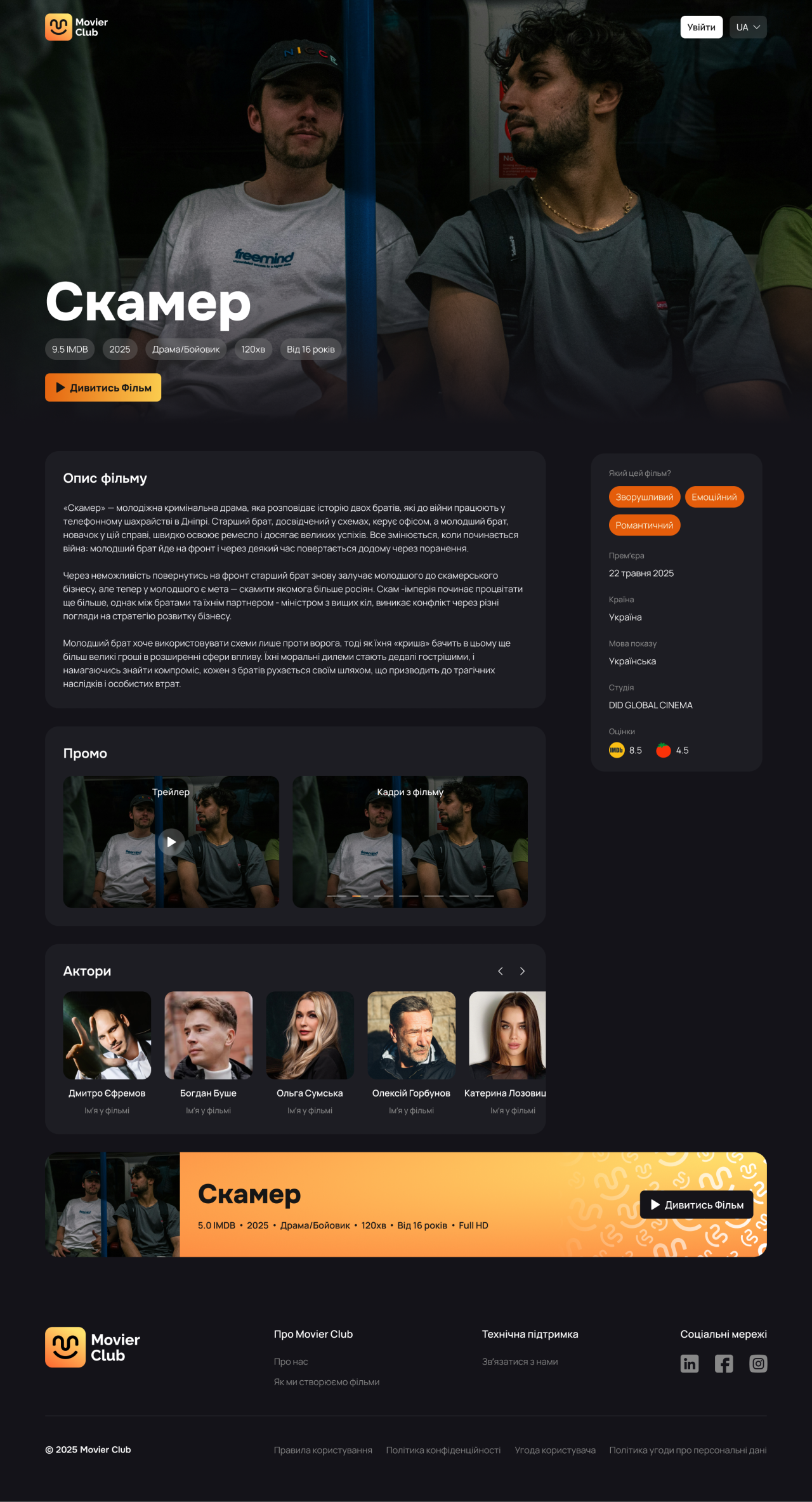
Film detail page — a distinct viewing state.
A focused entry point
The sign-in dialog presents a phone-number field, messaging-channel choices, and alternative sign-in buttons.
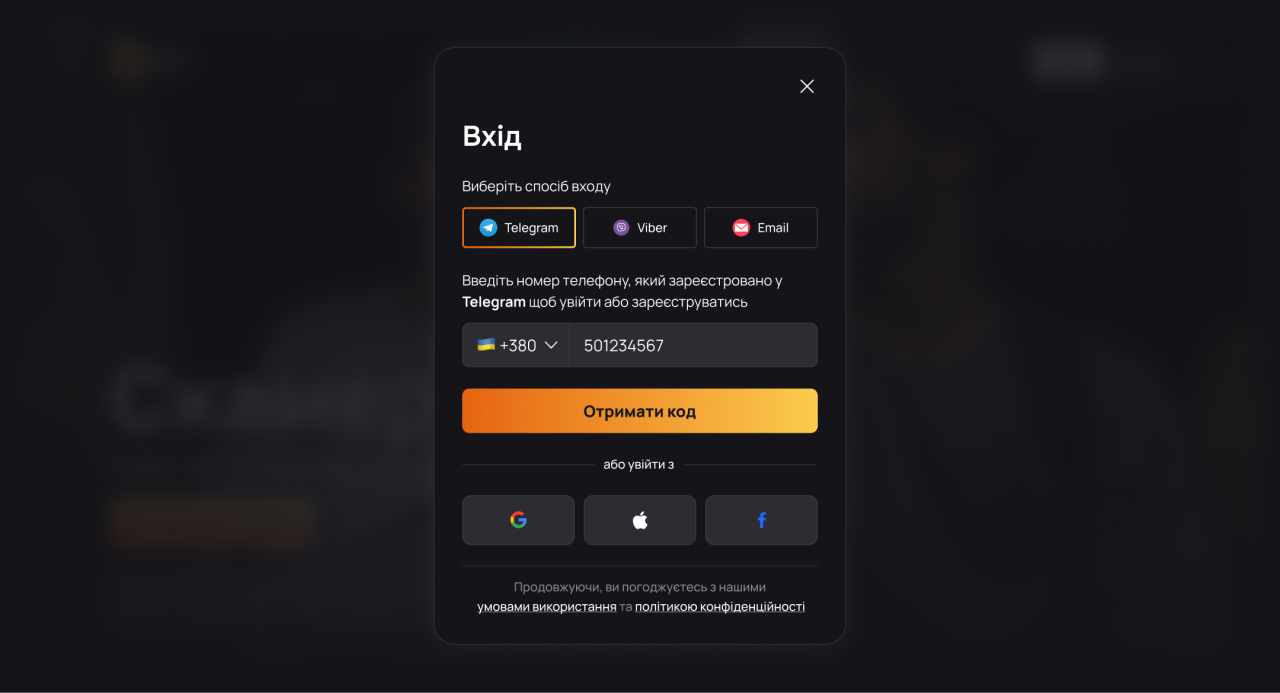
Sign in — phone number and channel selection.
Verification in context
A compact code-entry dialog keeps the film page visible beneath a dark overlay.
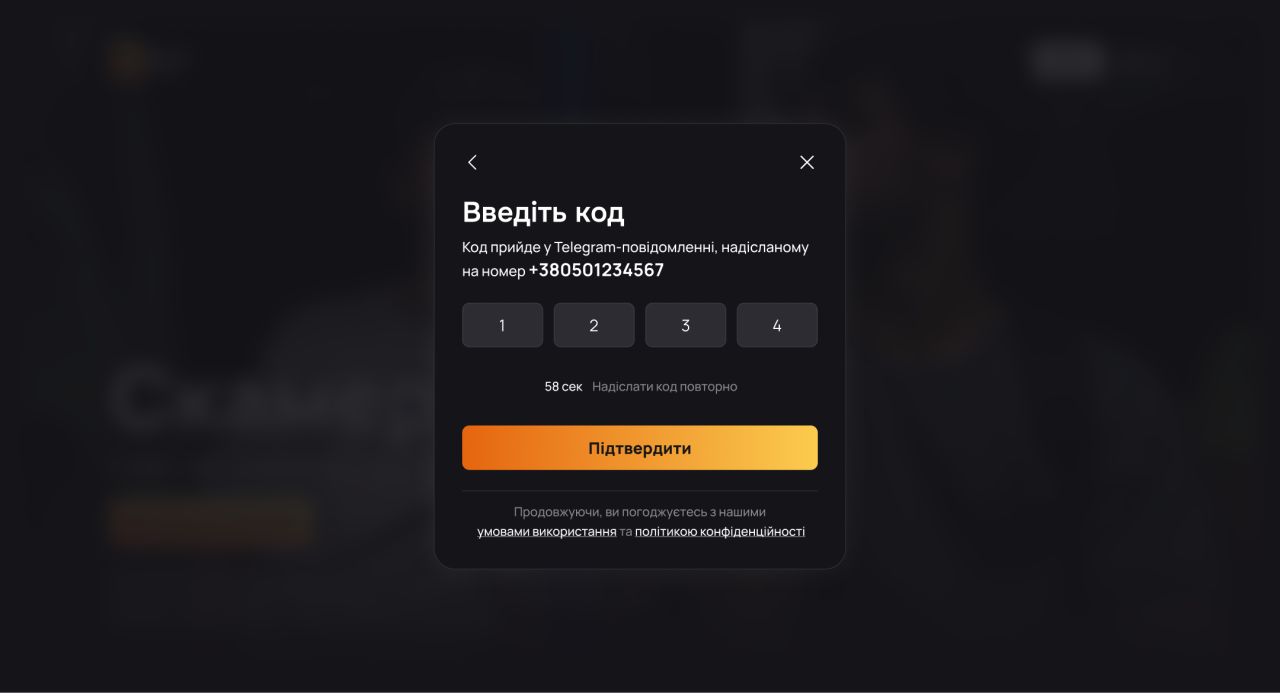
Sign in — verification code.
One final field
The last registration step asks for a name and highlights the completion button.
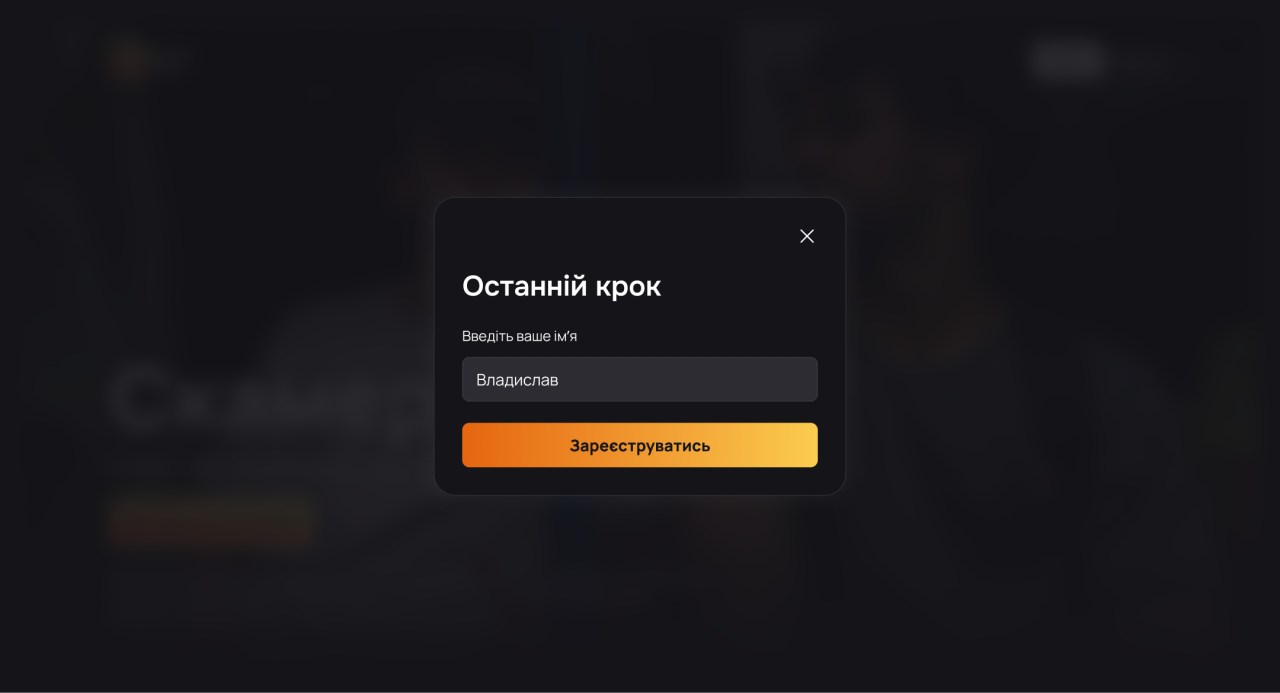
Sign in — final name step.
Choose a viewing option
The concept shows HD and SD purchase options with separate prices and descriptions.
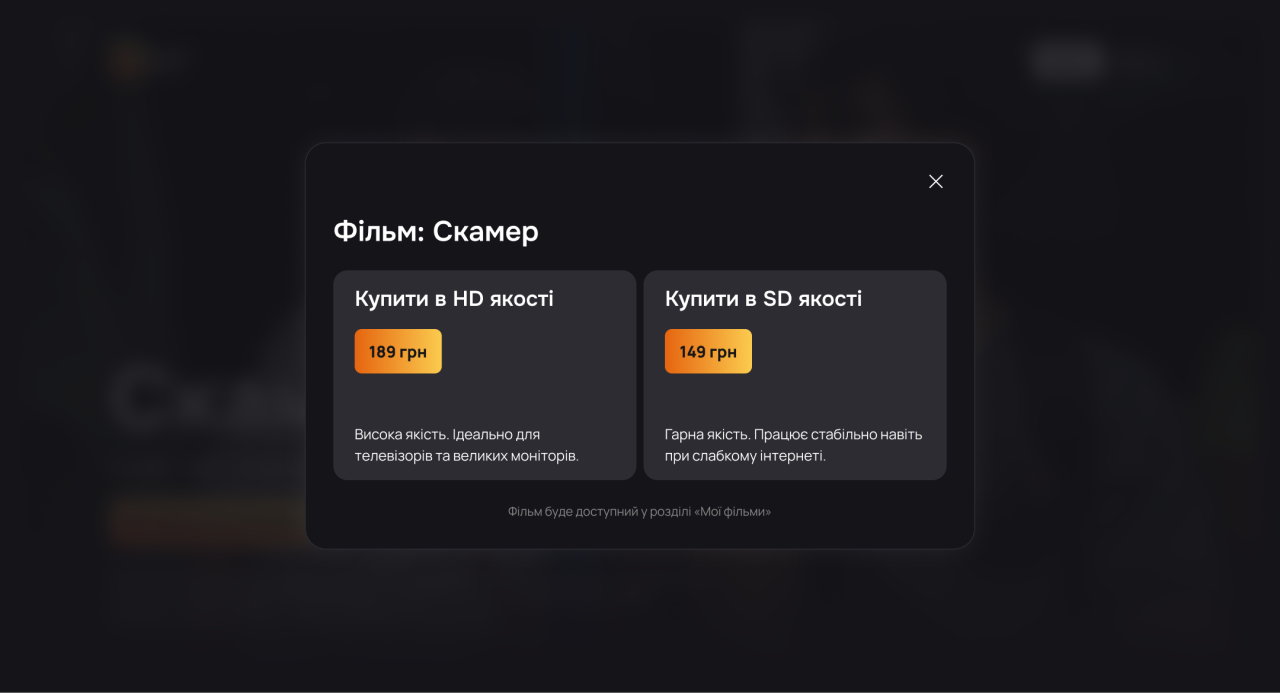
Purchase options — HD and SD.
Confirm the order
The order dialog shows the selected film, card-entry fields, and alternative payment buttons.
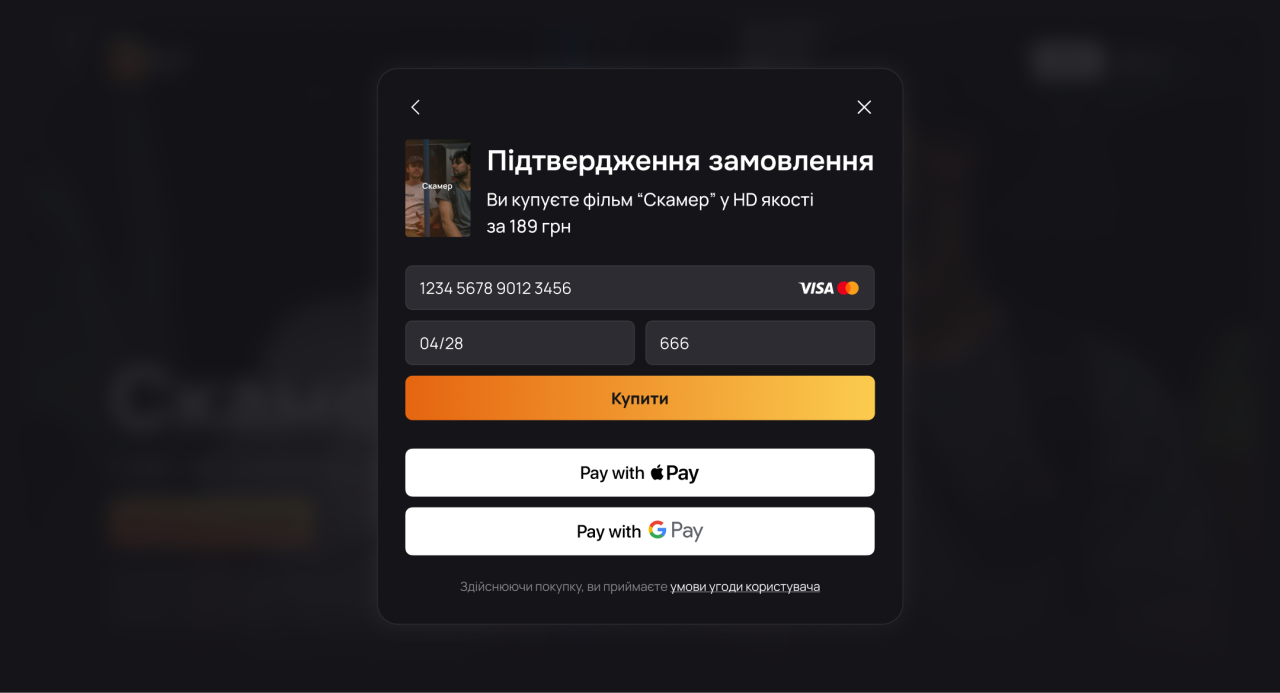
Order confirmation — payment interface concept.
A personal film collection
The My films screen presents a film card with its poster, metadata, and description.
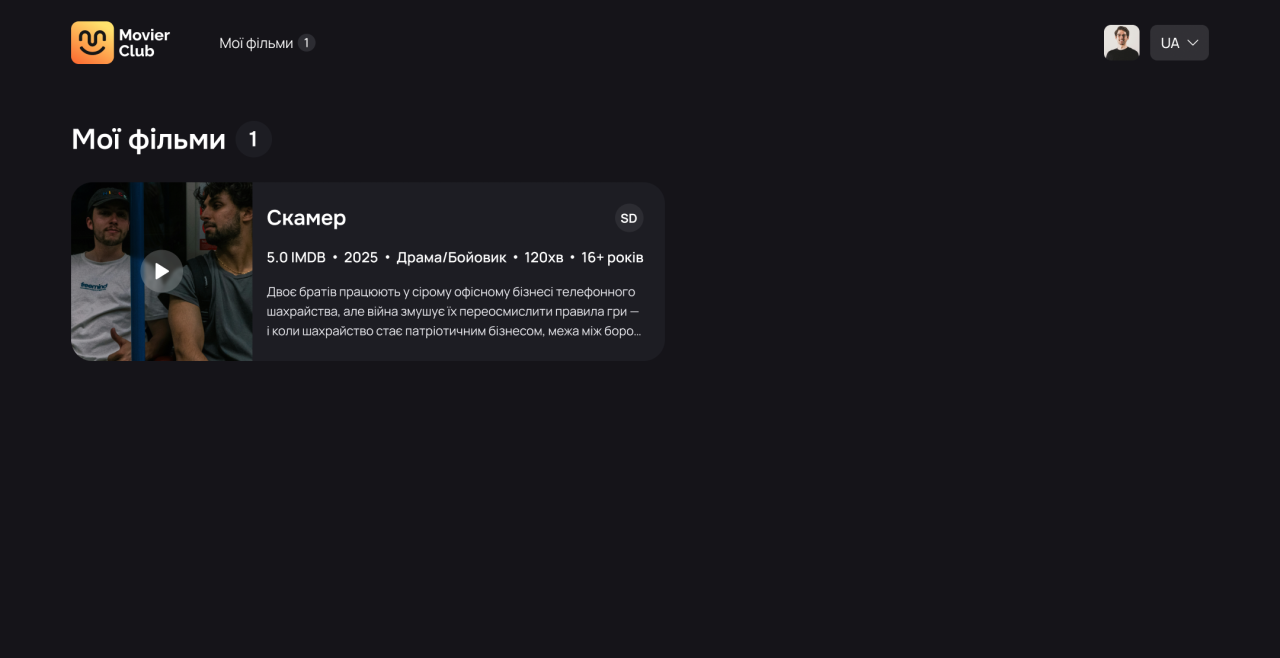
My films — collection screen.
Account details together
The account screen groups the user name, email address, and phone number beside account navigation.
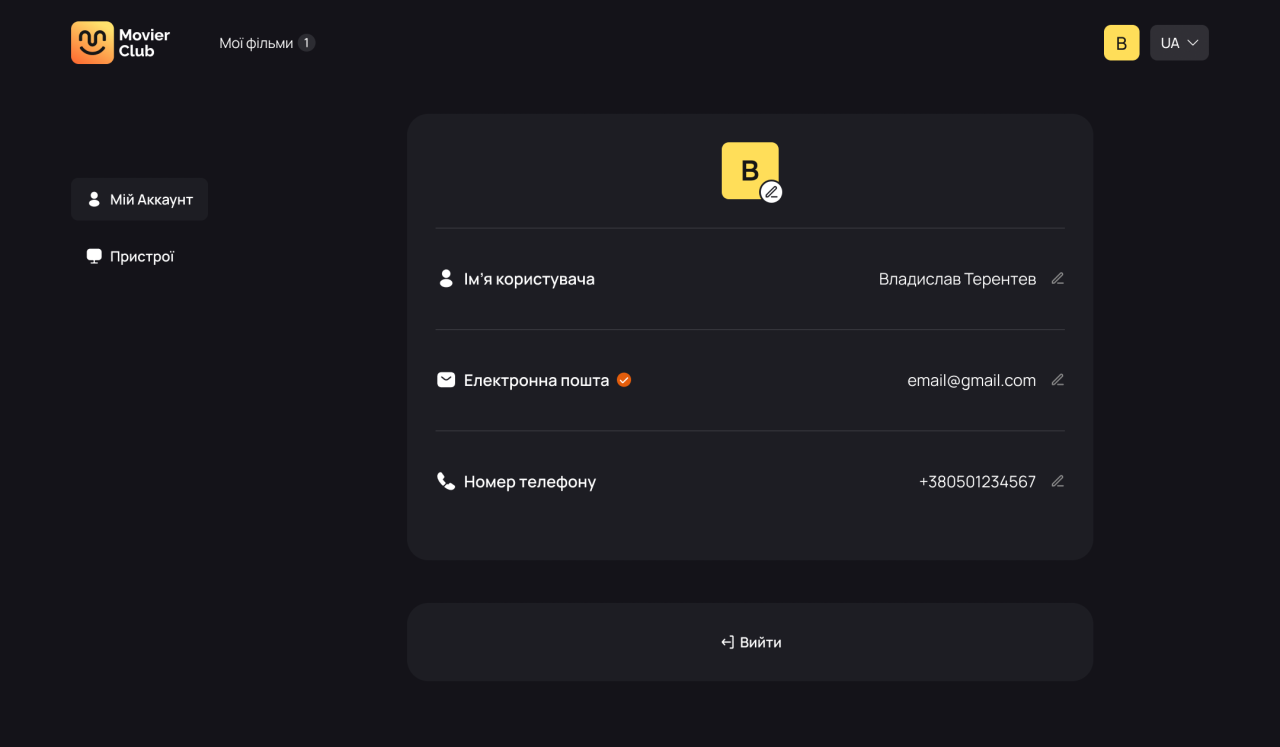
My account — profile details.
A separate photo state
The profile-photo dialog shows an image preview with controls to remove or choose a photo.

My account — profile-photo dialog.
Answers before a request
The FAQ page uses an accordion list and a separate contact prompt.
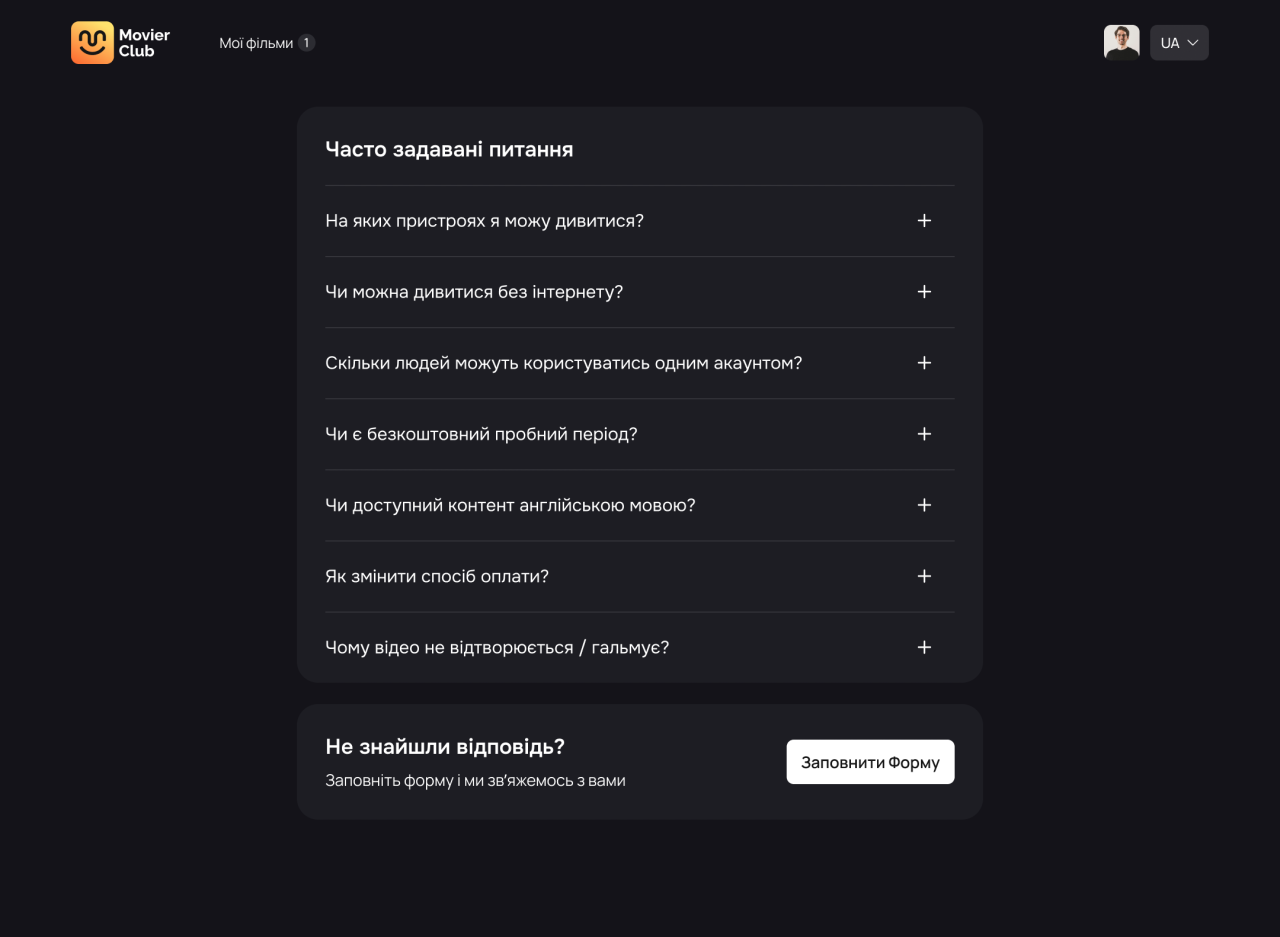
FAQ — questions and contact prompt.
A structured support form
The request dialog separates the subject, category, email, comment, and attachment fields.
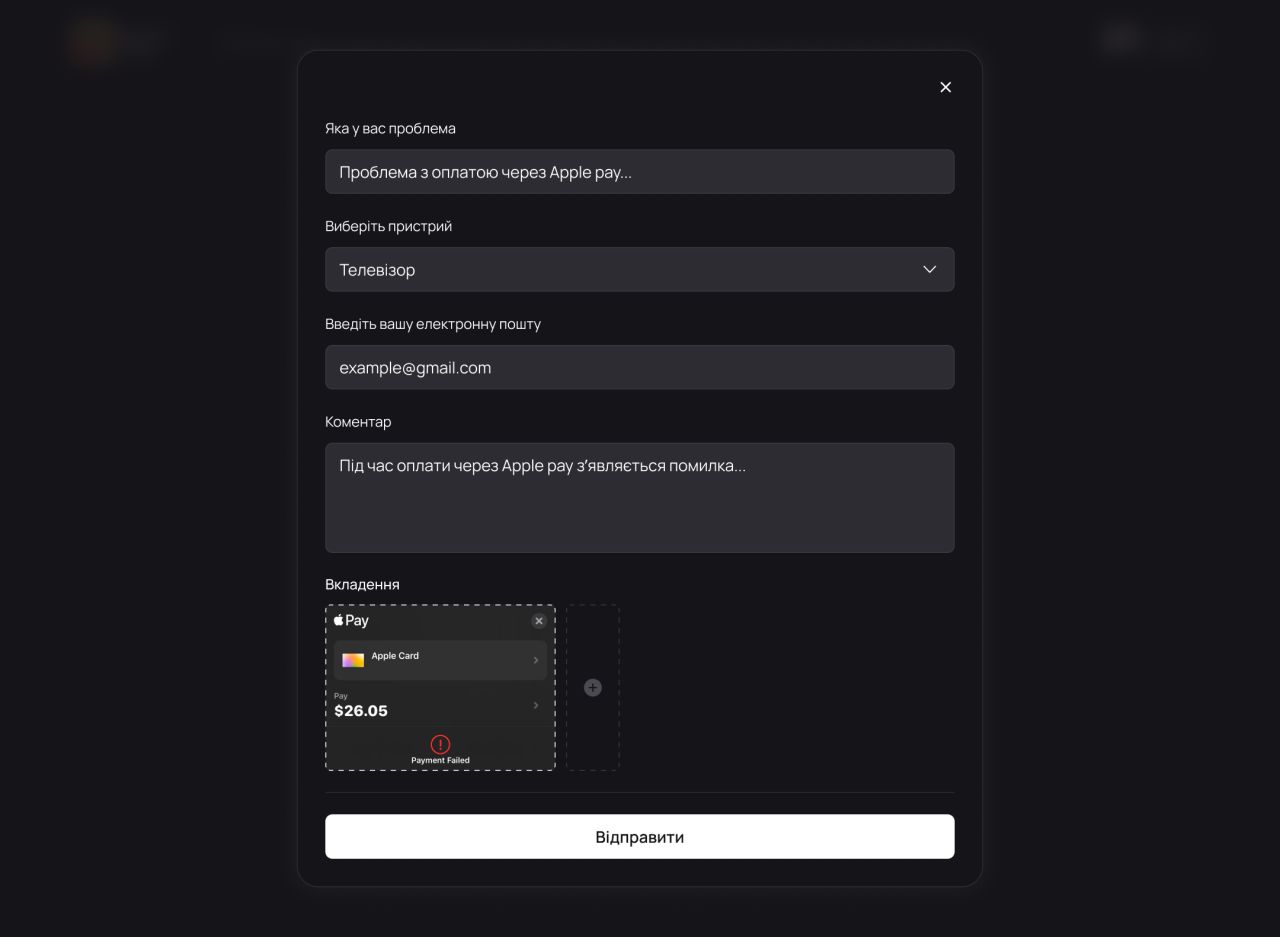
Support request — category and attachment.
Partner guidance
The partner area uses persistent sidebar navigation and an accordion explaining the visible partnership steps.
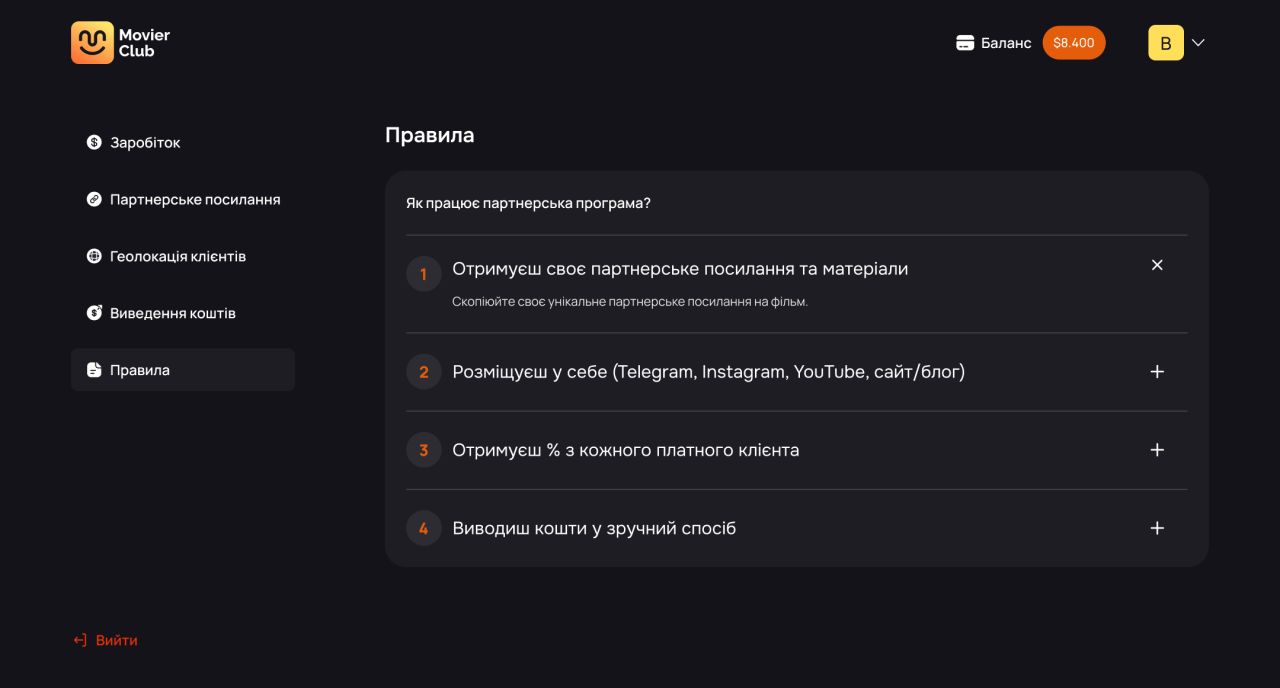
Partner portal — rules.
Withdrawal details
The withdrawal screen groups a balance summary, a request button, explanatory copy, and payment-history rows.
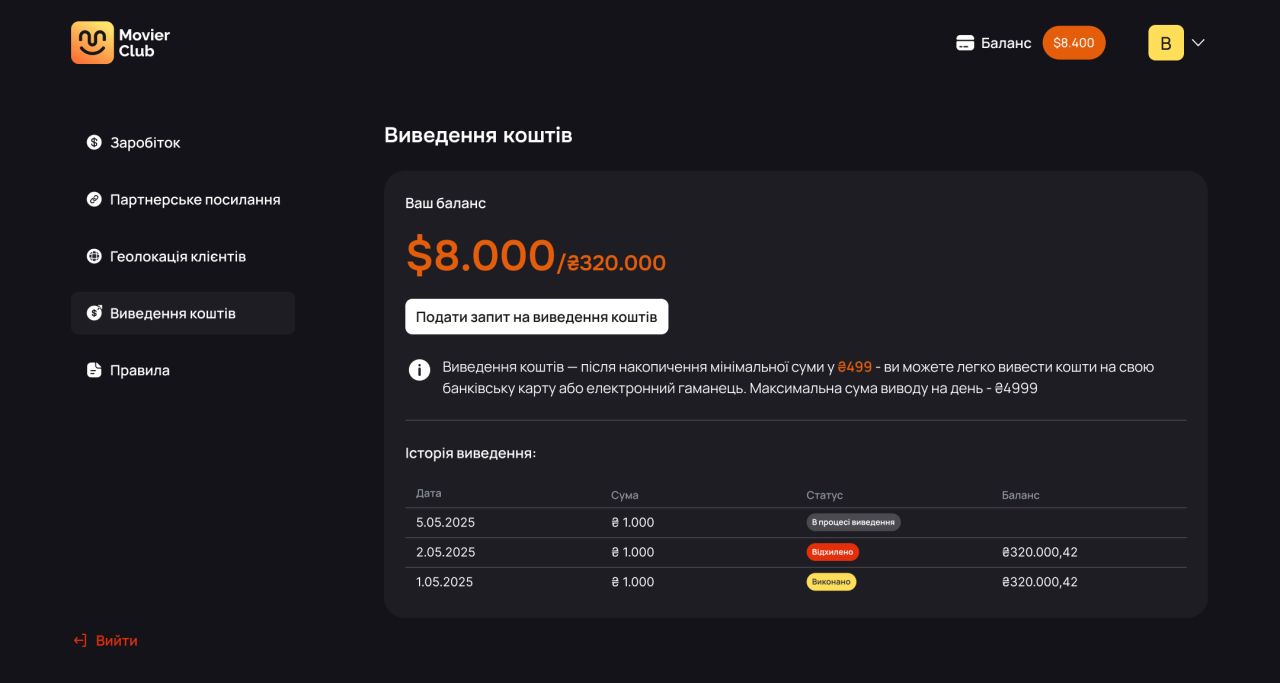
Partner portal — withdrawals.
Links and promotional formats
A separate screen displays a partner link and two downloadable film-banner formats.
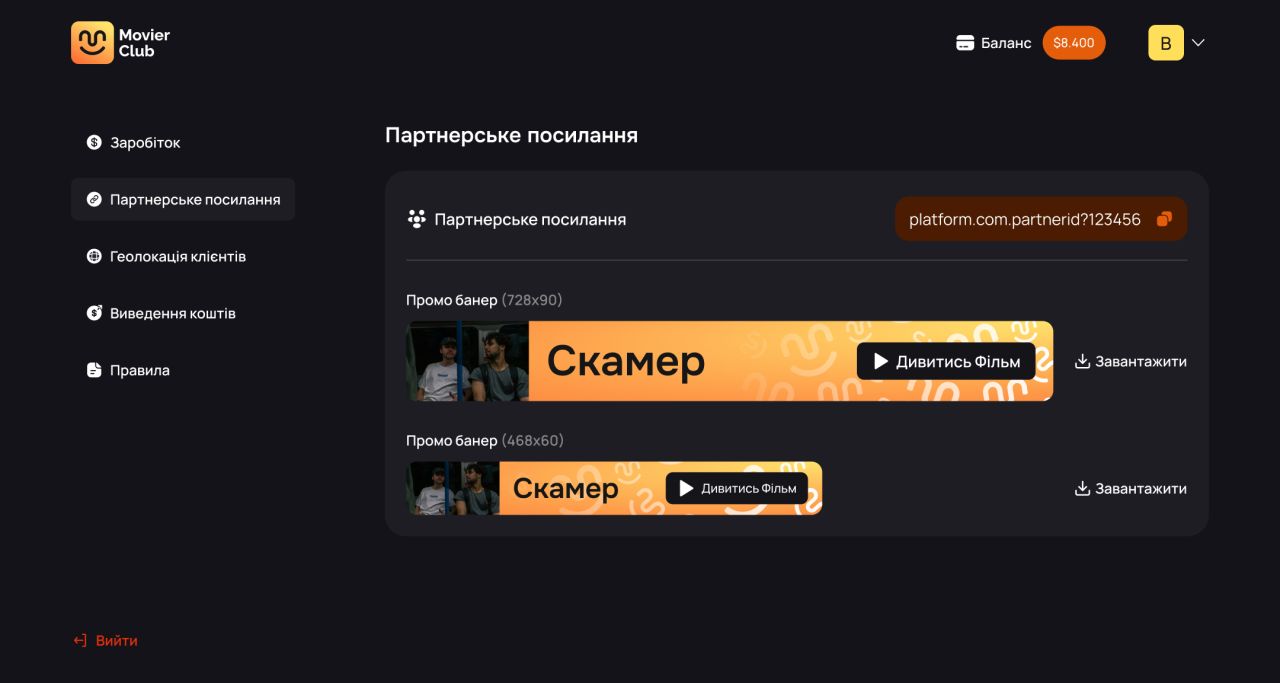
Partner portal — link and banners.
Earnings at a glance
The earnings screen presents date controls, a line chart, and a second chart for viewing statistics.
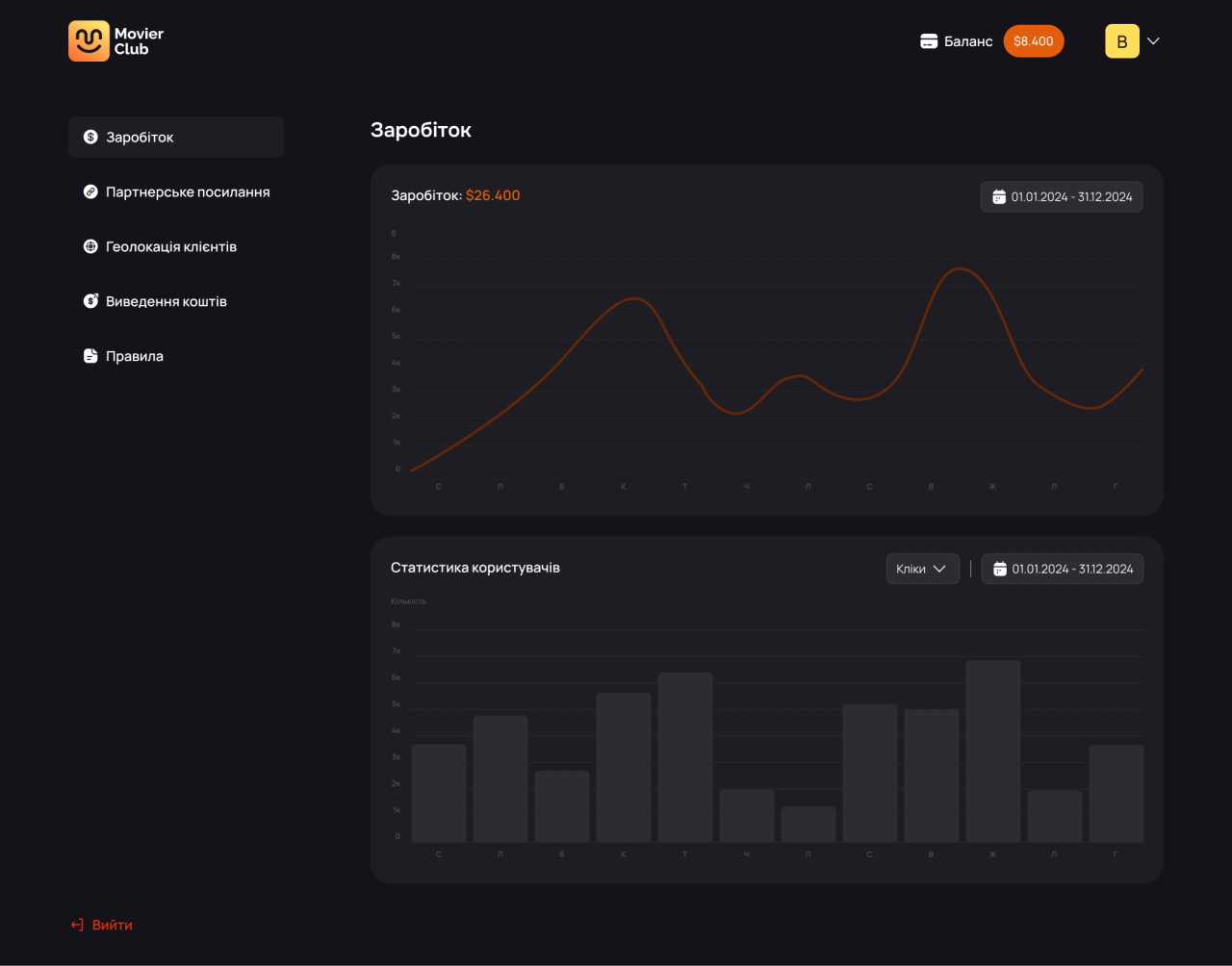
Partner portal — earnings and viewing statistics.
Our approach
A consistent visual language
Dark surfaces, warm yellow-orange actions, and the Movier Club mark connect the public pages and account screens.
Separate steps and states
Sign-in, verification, registration, purchase selection, and order confirmation each have a focused interface.
Viewer and partner contexts
The concept separates a viewer’s collection and profile from partner guidance, links, withdrawals, and earnings.