Token Place
Multi-exchange crypto trading and portfolio management, on web and mobile.
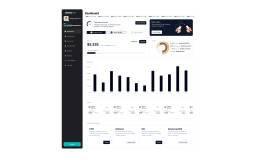
Token Place is a multi-exchange trading terminal and portfolio management service. The mobile and web designs connect market views, order management, portfolio tracking, wallets, and account tools. Supporting email designs cover account verification and password reset.
Mobile trading, from onboarding to overview
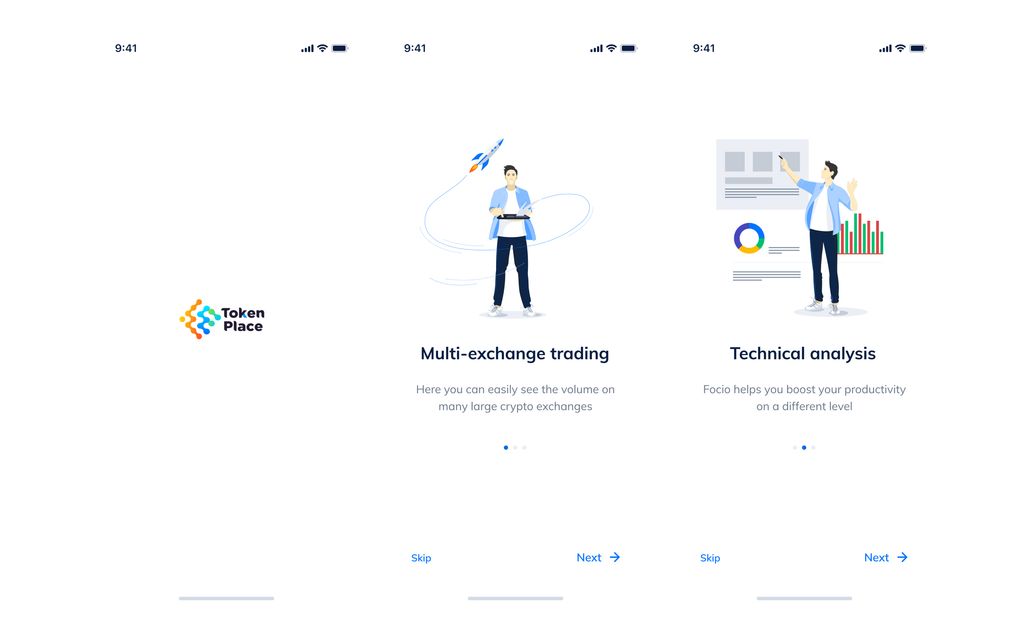
Token Place brings multi-exchange crypto trading and portfolio management to a mobile interface. The introductory screens lead into an account overview with balances, holdings, and market movement.
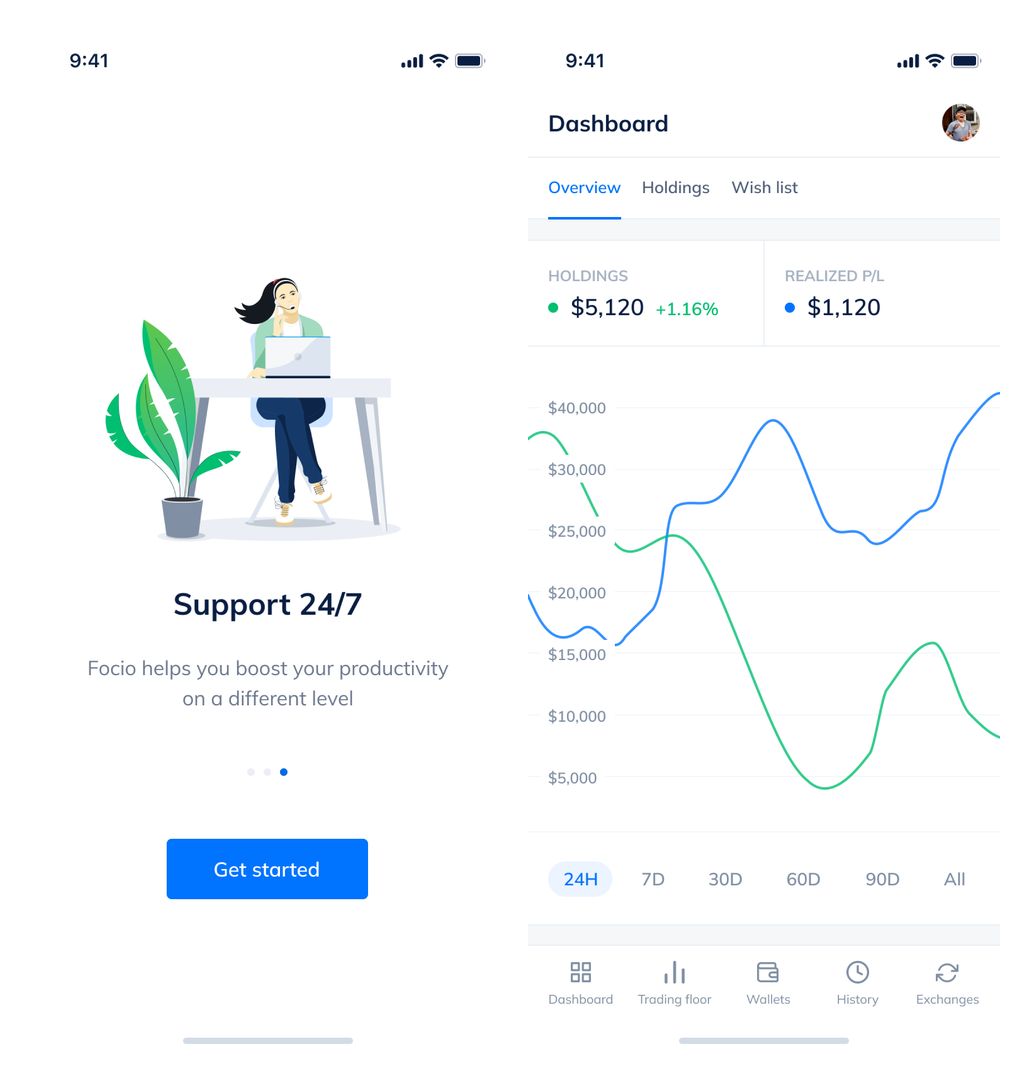
Getting started and the mobile portfolio dashboard.
Holdings and account management
Compact asset rows expand to reveal holdings details. Subscription choices and wallet balances use the same card-based hierarchy, keeping account information close to the portfolio.
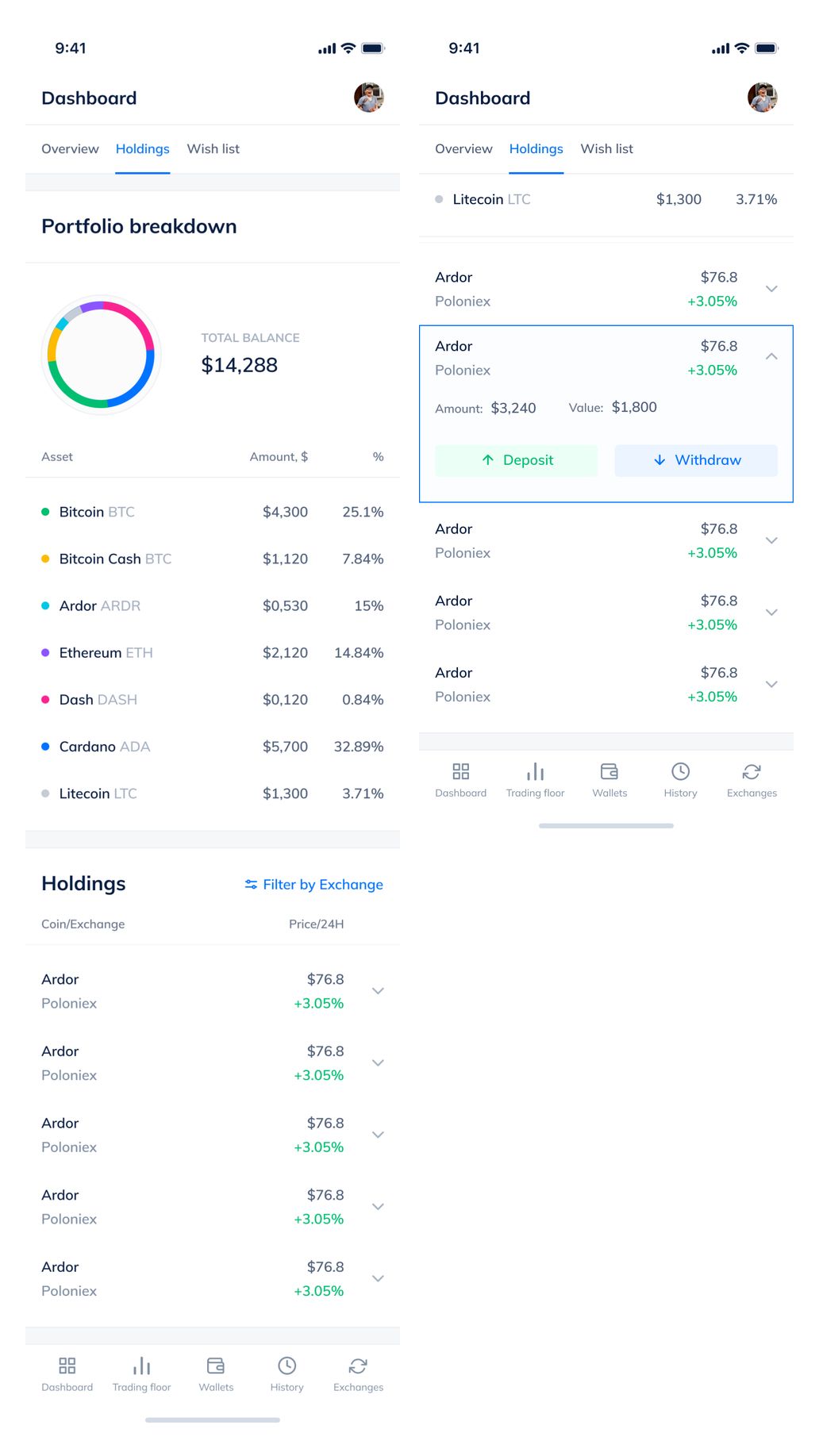
Portfolio holdings in expanded and compact states.
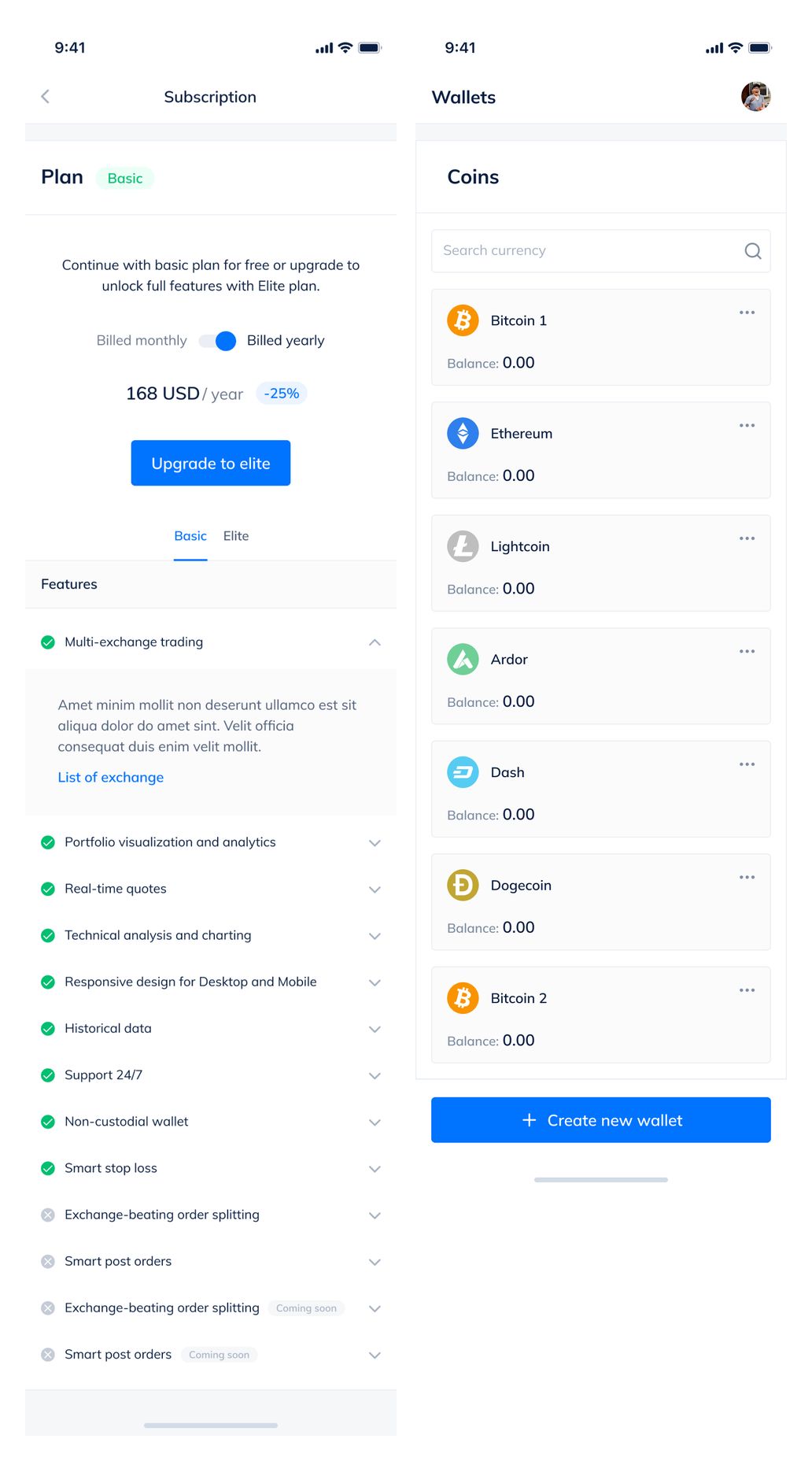
Subscription details and wallet balances.
Connected exchanges and trade history
Exchange rows show connected services and account totals. The history views bring recent activity, expanded transaction details, and sorting controls into a consistent mobile layout.
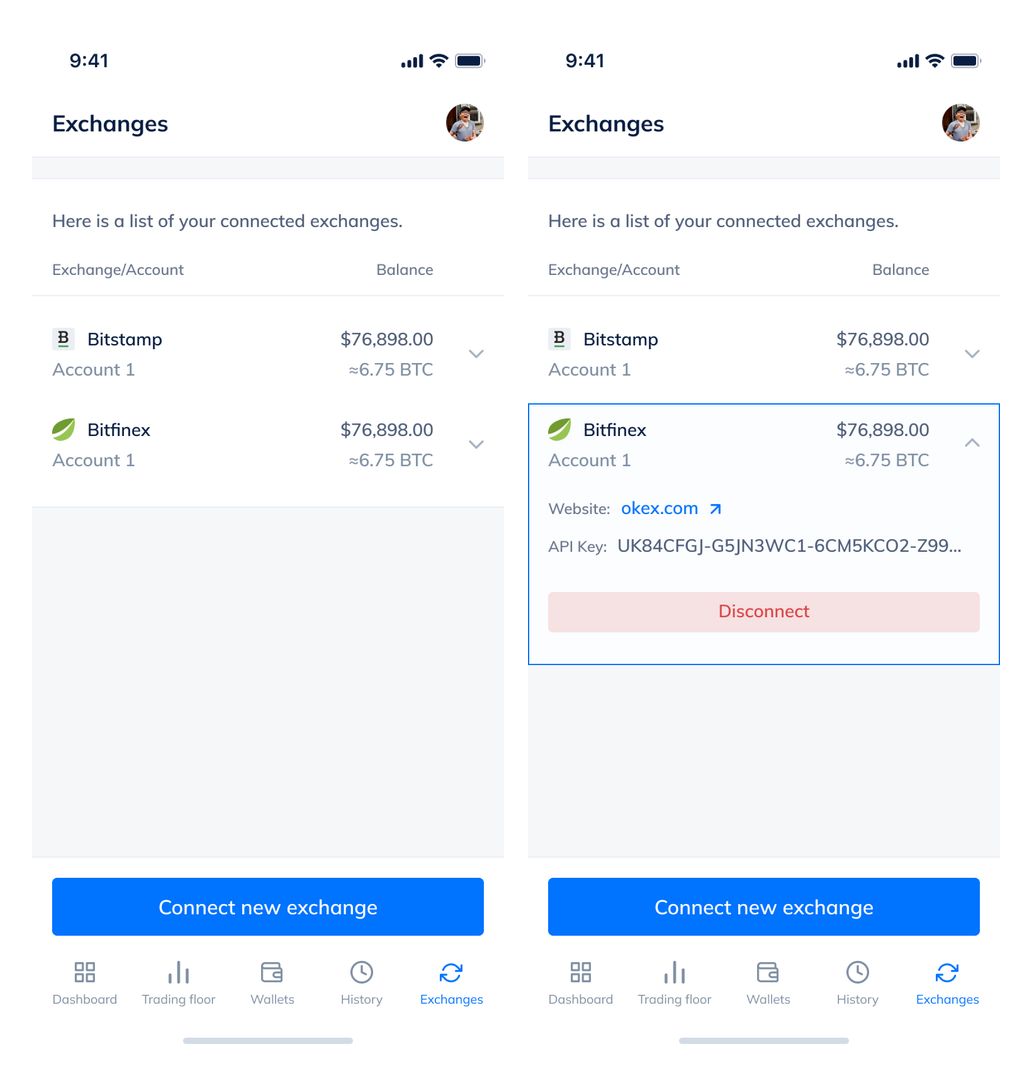
Connected exchanges and expanded account details.
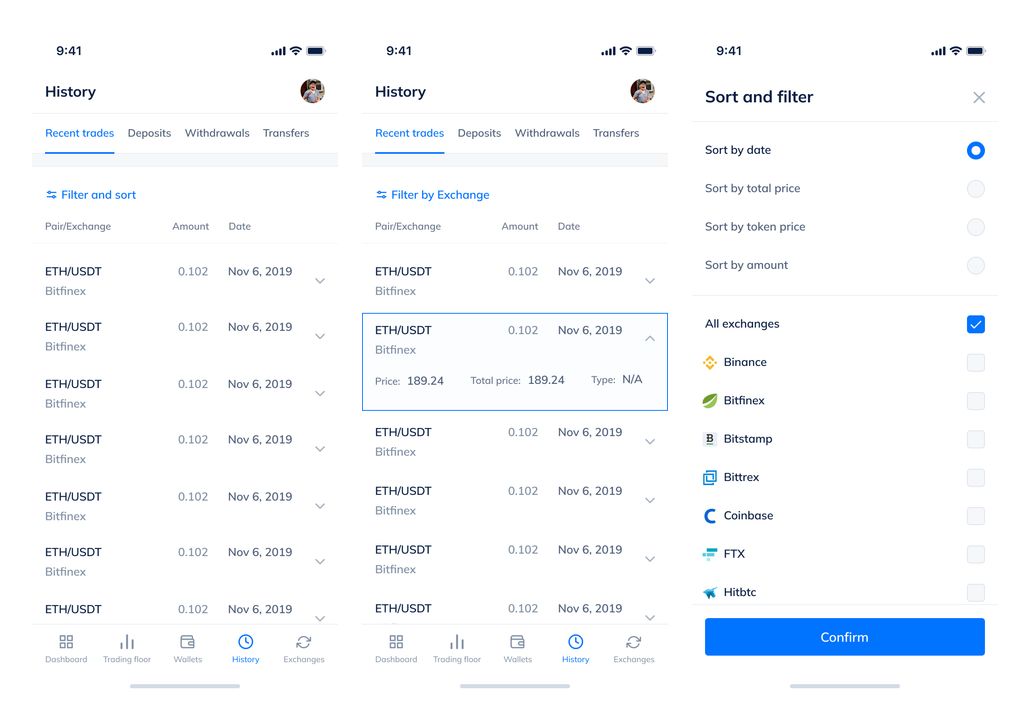
Recent trades, transaction details, and sorting.
Trading tools on a smaller screen
Charts, order books, order entry, and market trades are arranged in vertically connected views. Basic, Elite, Pro, and Smart Stop layouts show distinct trading states without removing the surrounding market context.
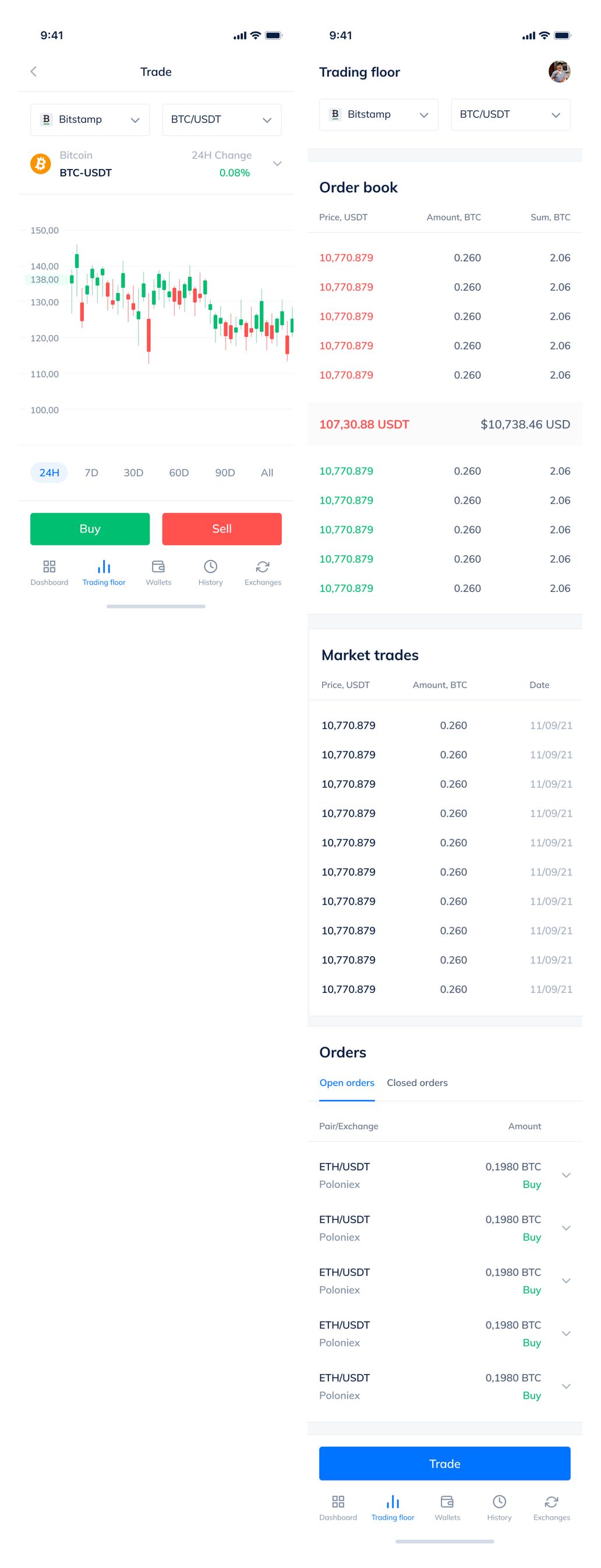
Basic trading chart, order book, and orders.
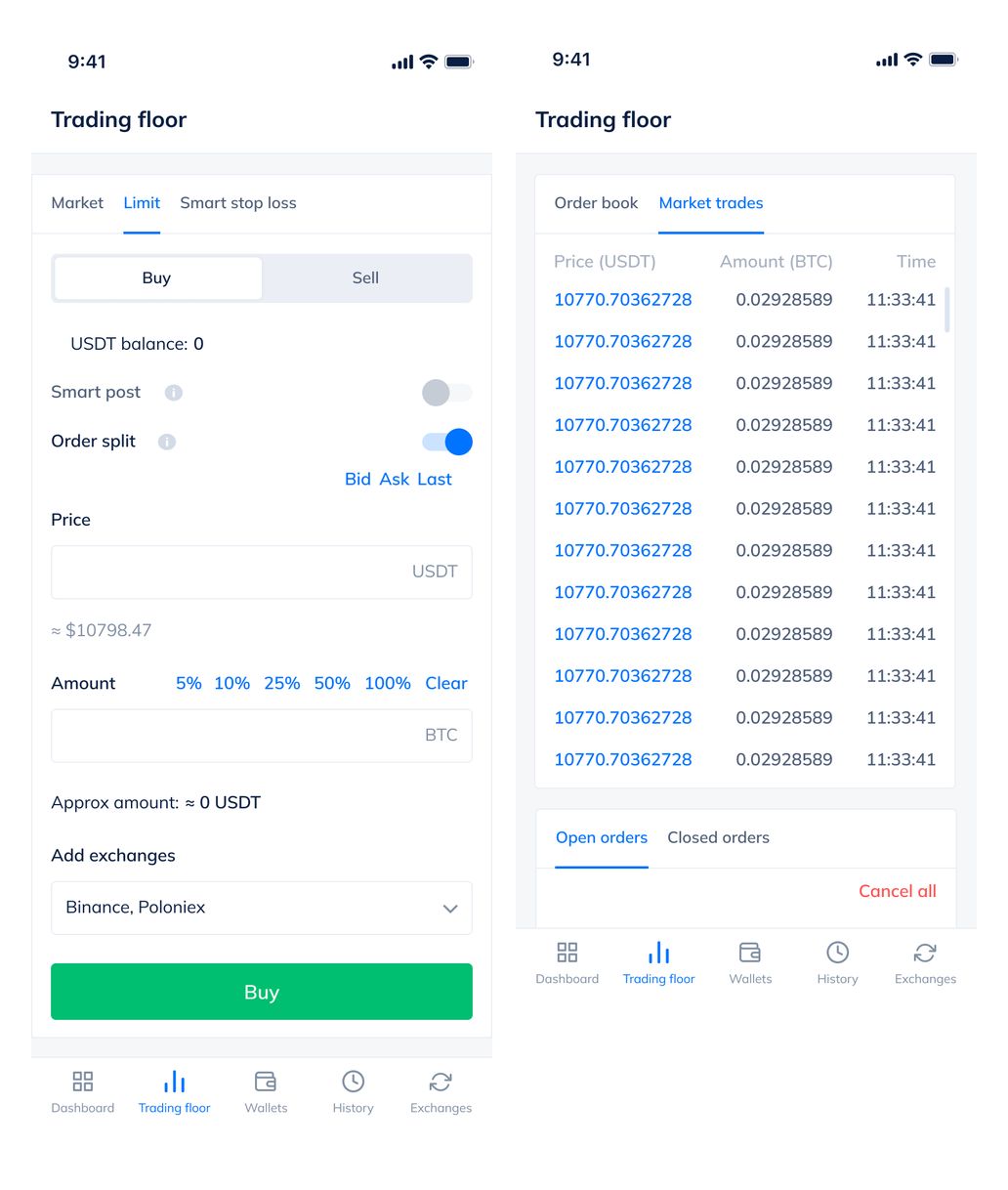
Elite order entry and market trades.
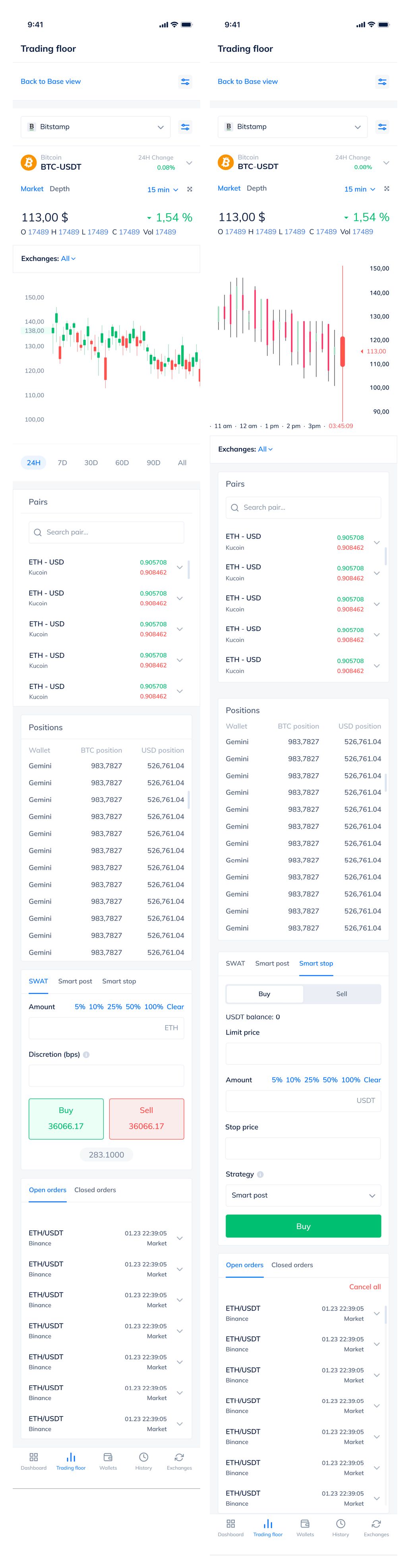
Complete Pro and Smart Stop trading flows.
A multi-exchange desktop workspace
The web terminal combines market lists, charts, order books, and buy/sell controls. Elite, Favorites, and Pro views arrange these tools for different trading workflows.
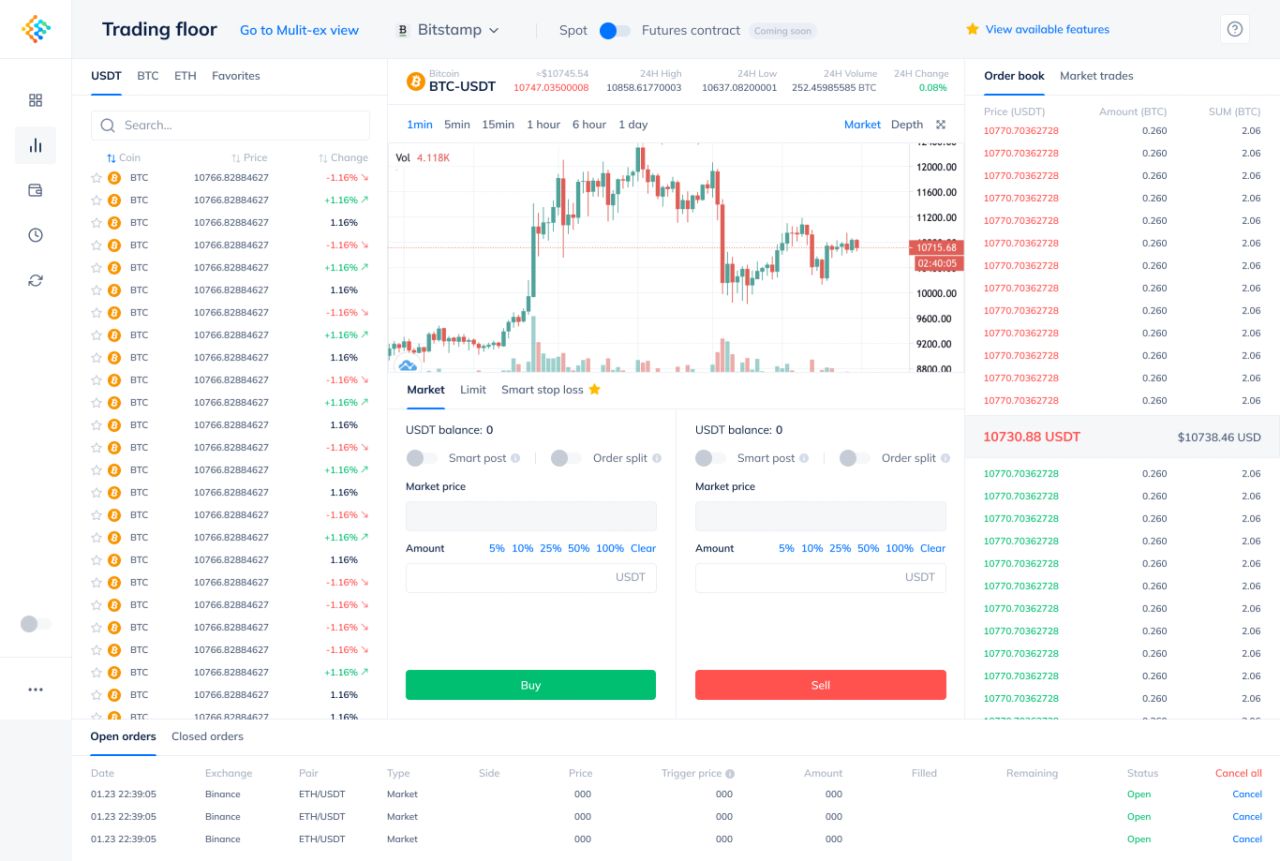
Elite trading floor.
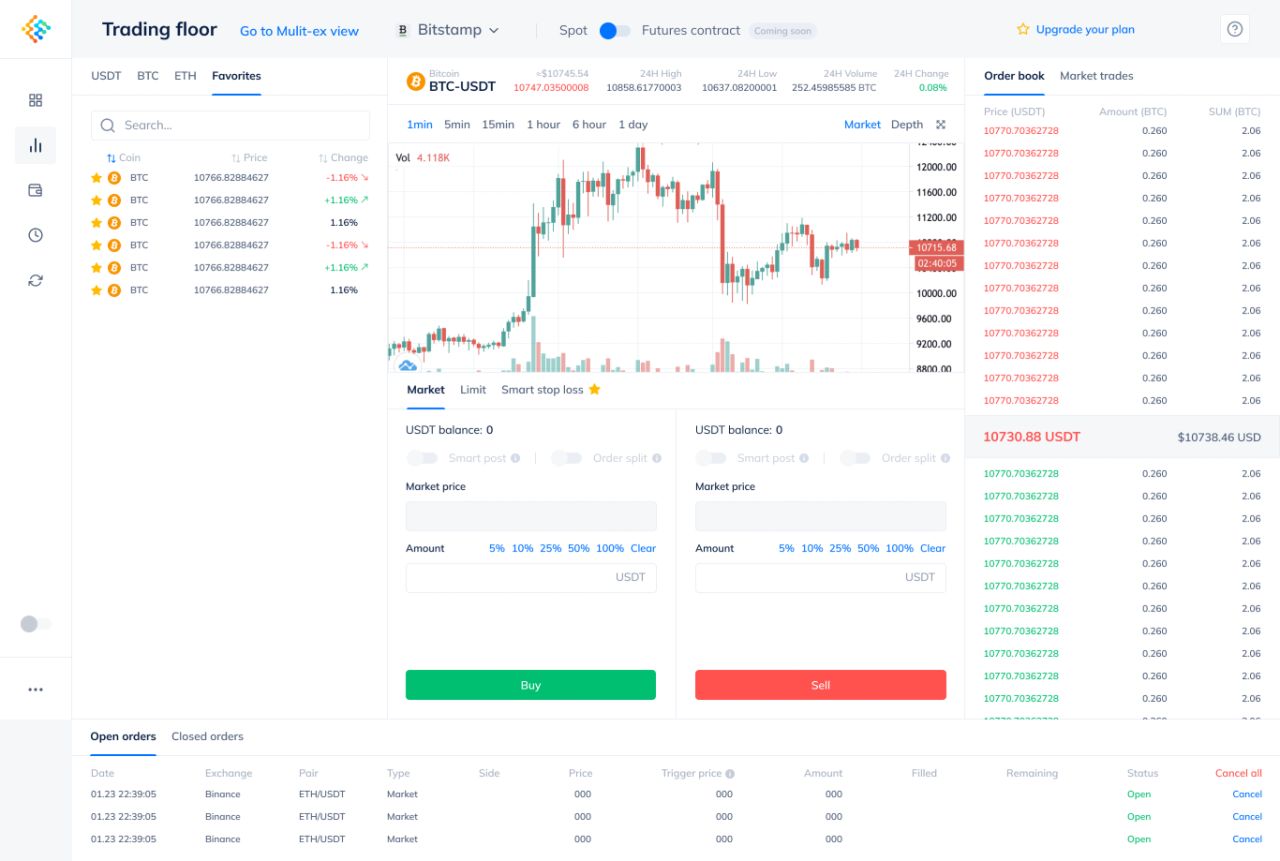
Favorites trading view.
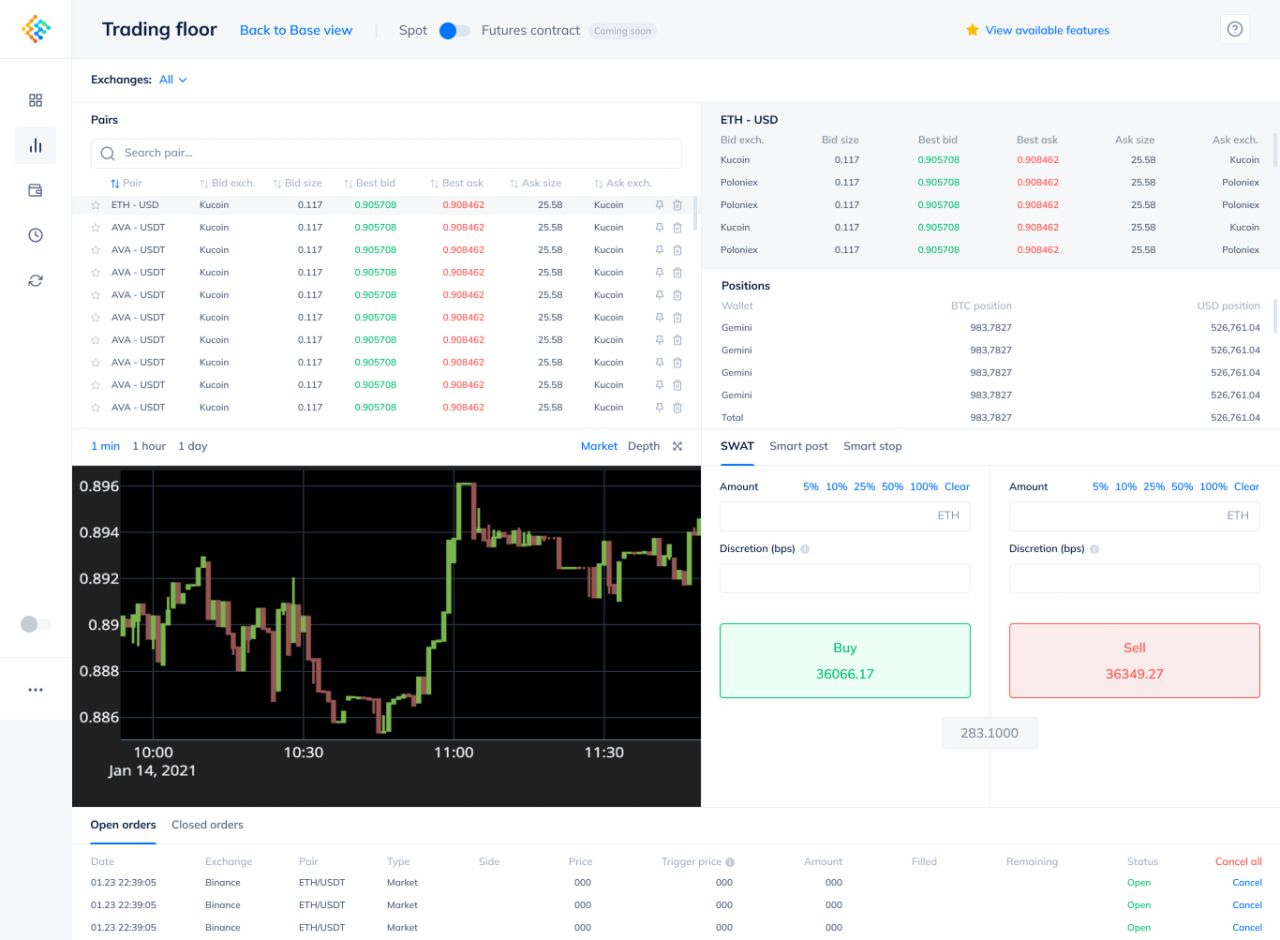
Pro trading workspace.
Portfolio and connected accounts
The dashboard brings balances, asset allocation, holdings, and market trends together. Deposit, exchange, recent-trade, and subscription screens continue the same light interface.
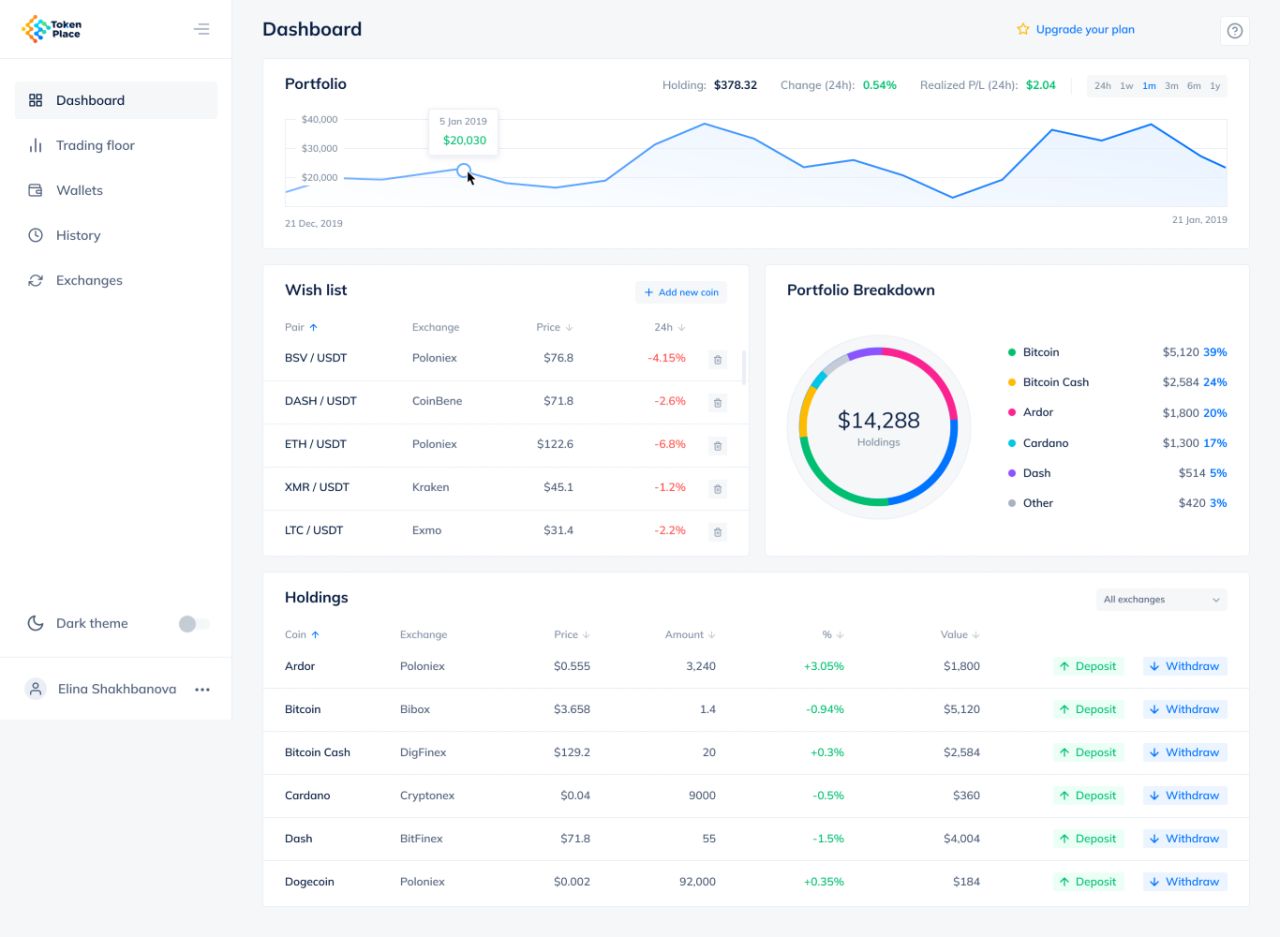
Portfolio dashboard.
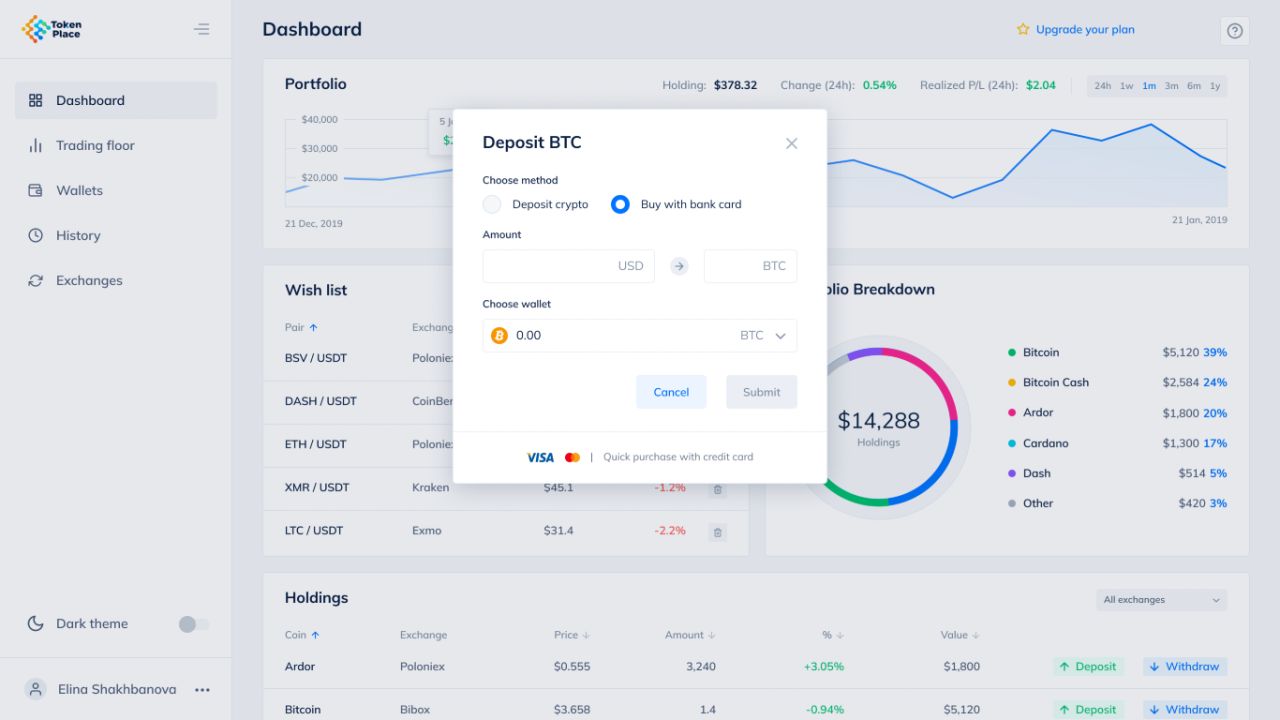
Deposit by card dialog.
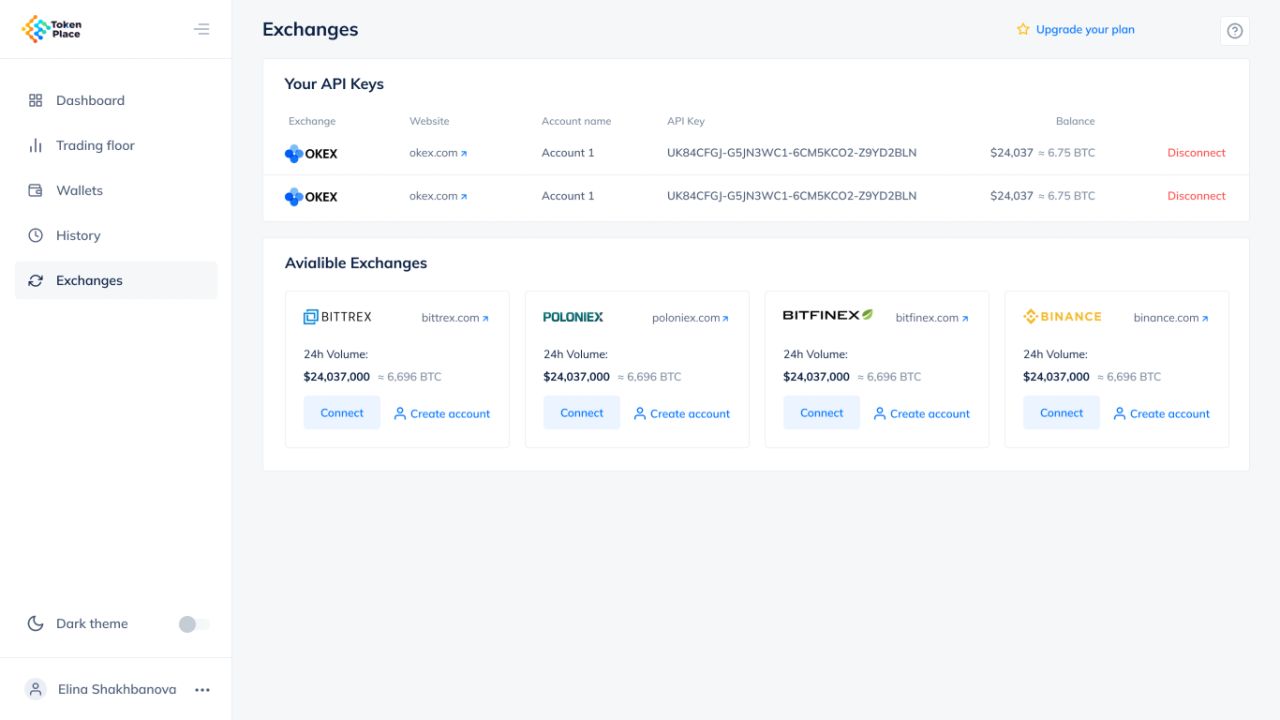
Connected exchanges.
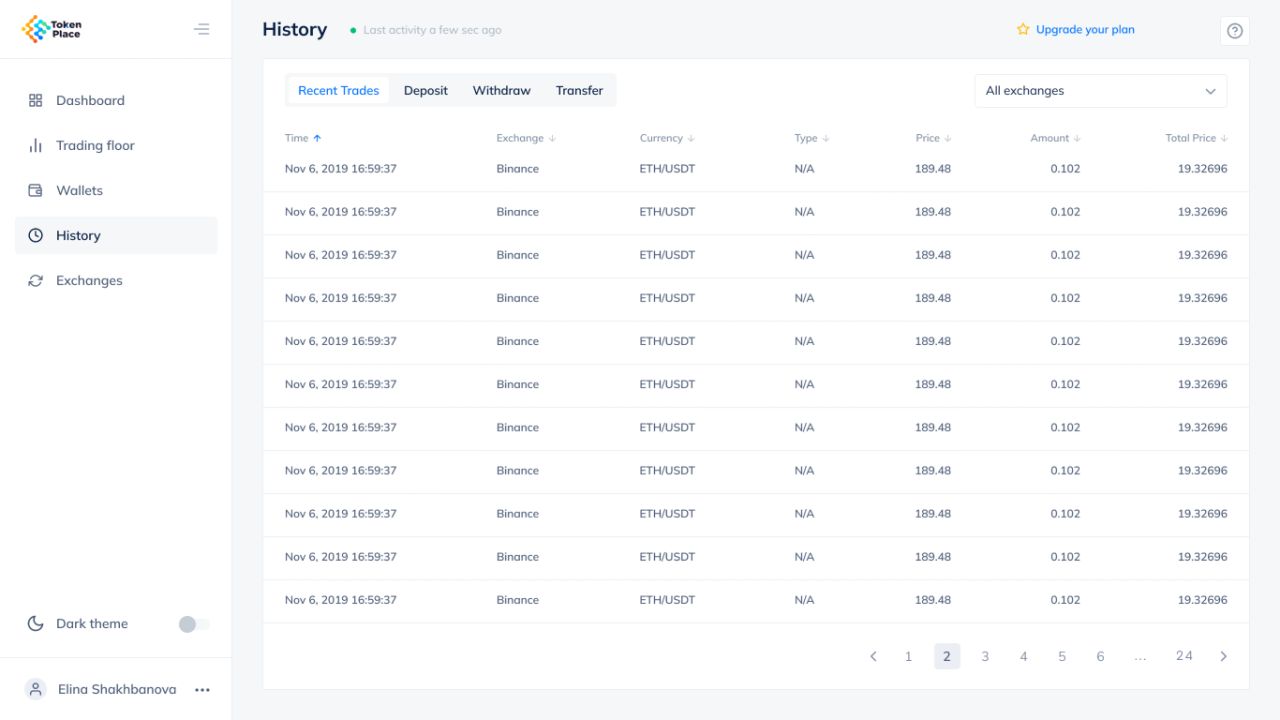
Recent trade history.
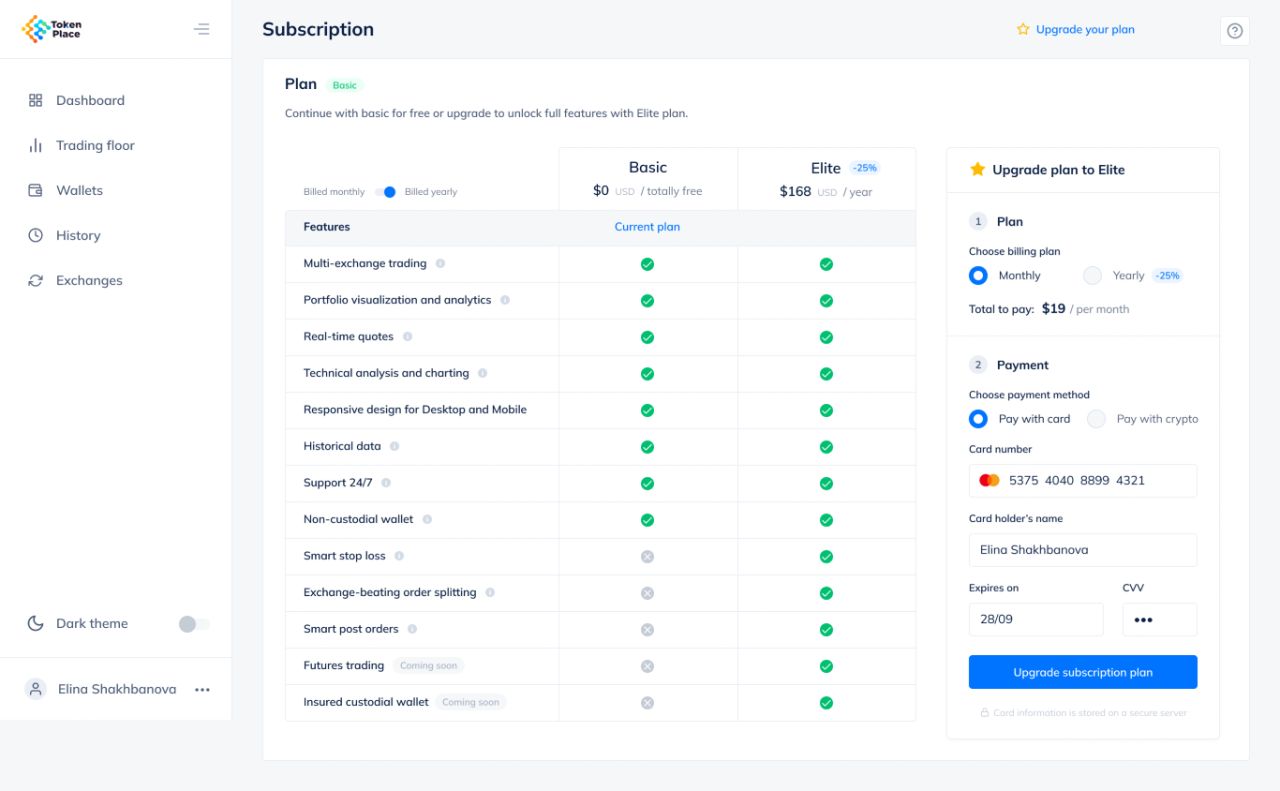
Subscription and payment details.
Wallets and account tools
Coin balances sit alongside deposit, withdrawal, and transfer actions. DEX pool and swap-history states, general settings, and verification screens extend the account workspace.
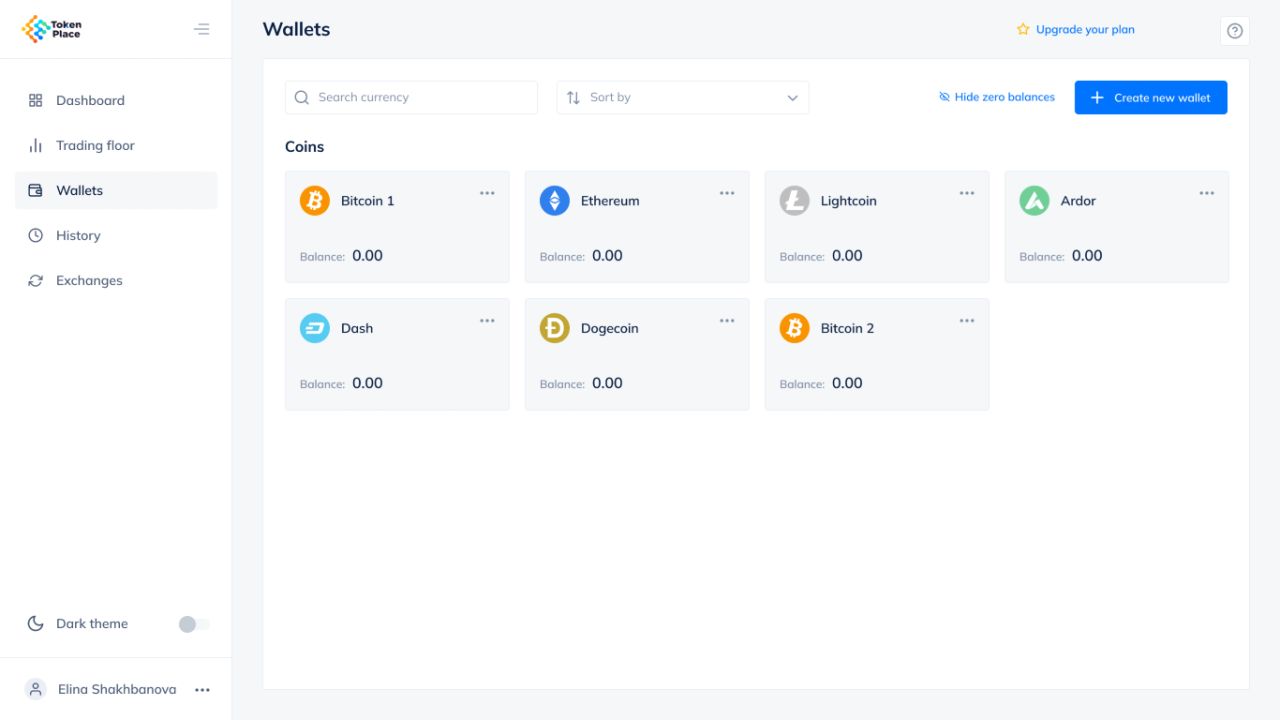
Wallet balances.
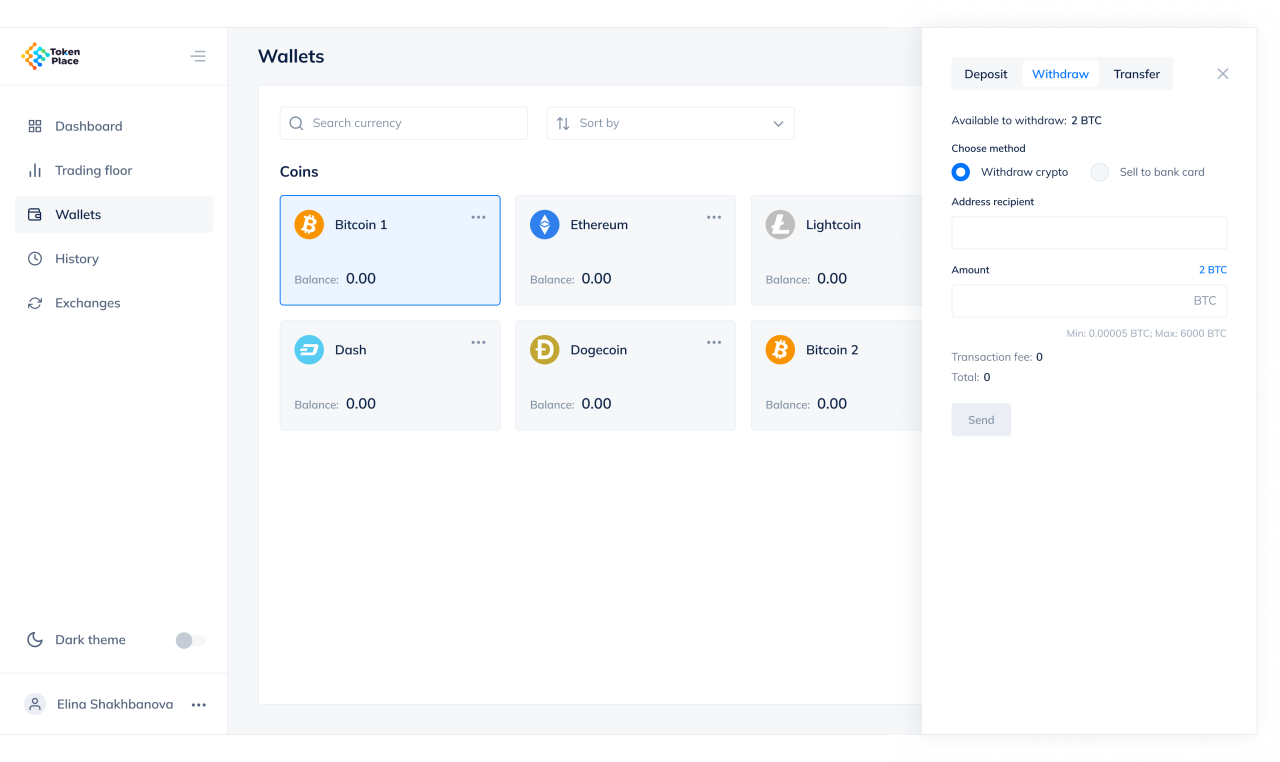
Wallet withdrawal panel.
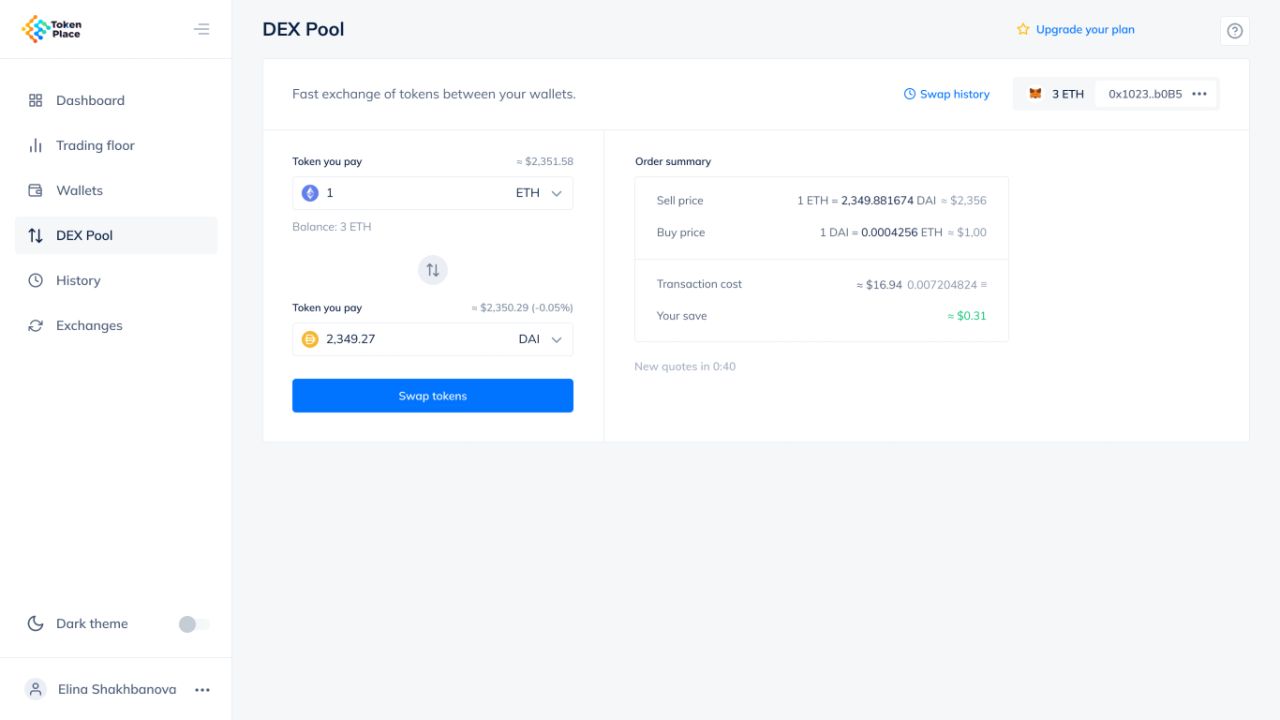
Connected DEX pool.
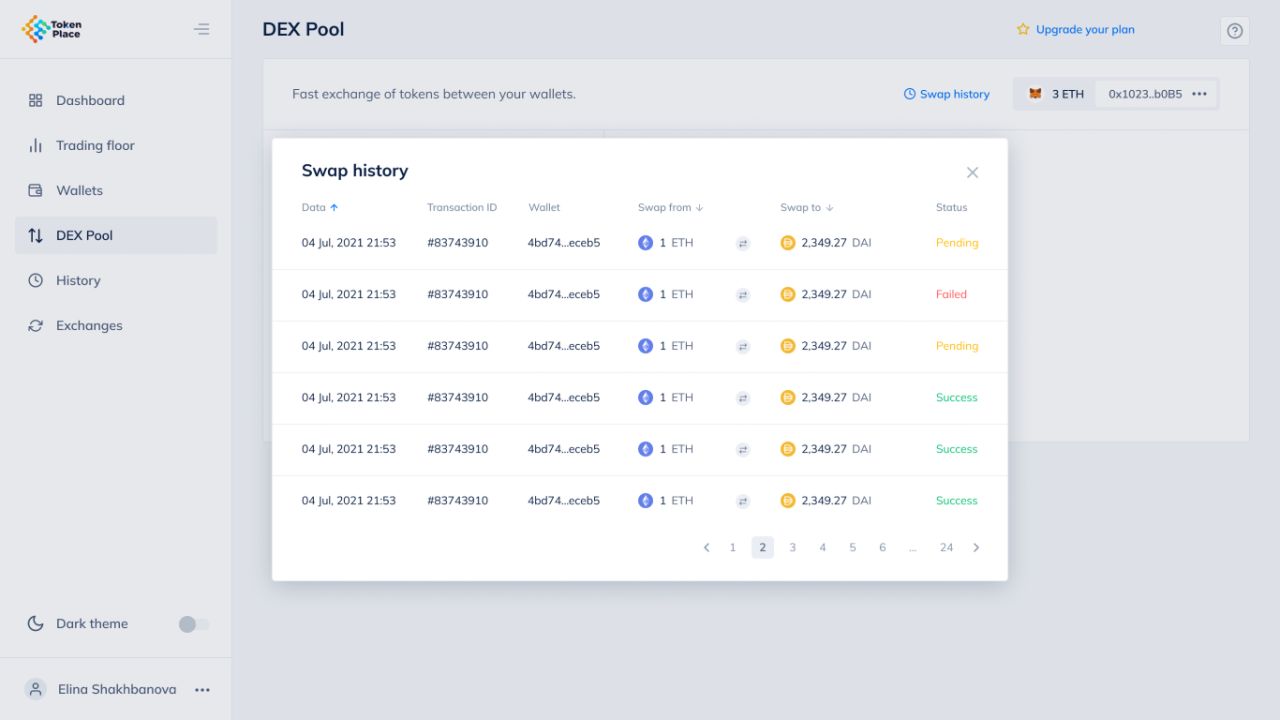
Swap history dialog.
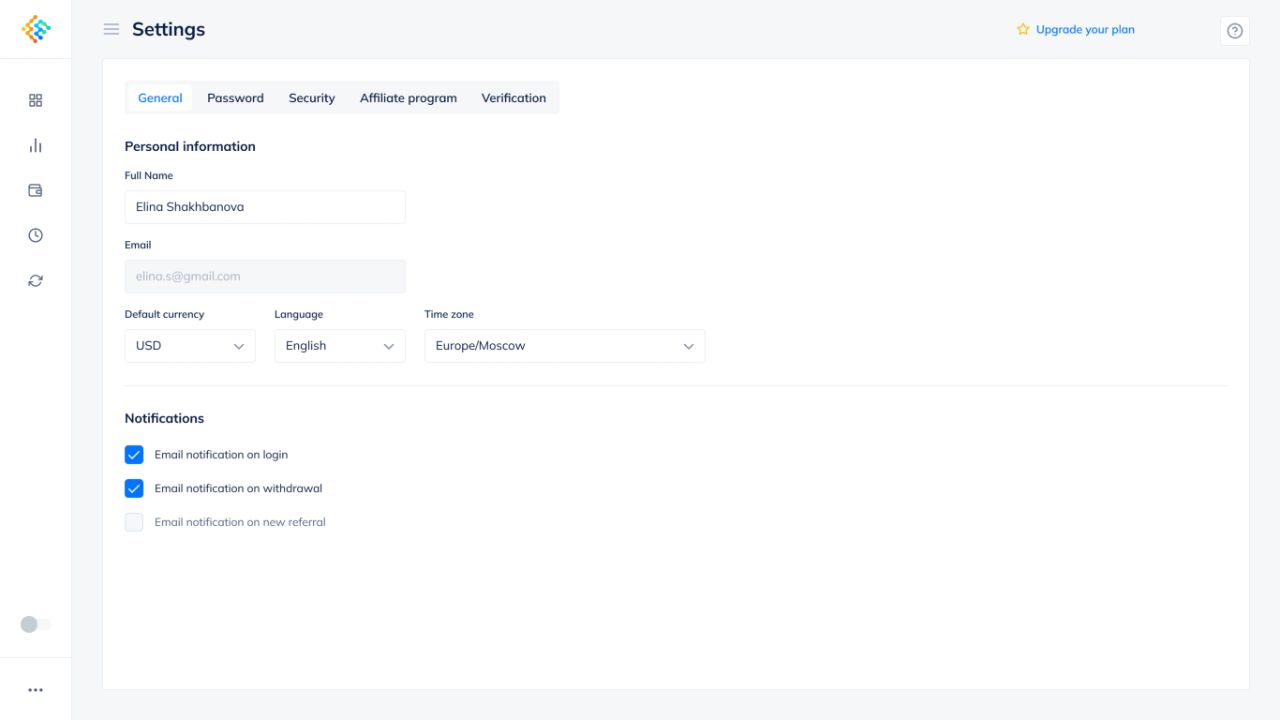
General account settings.
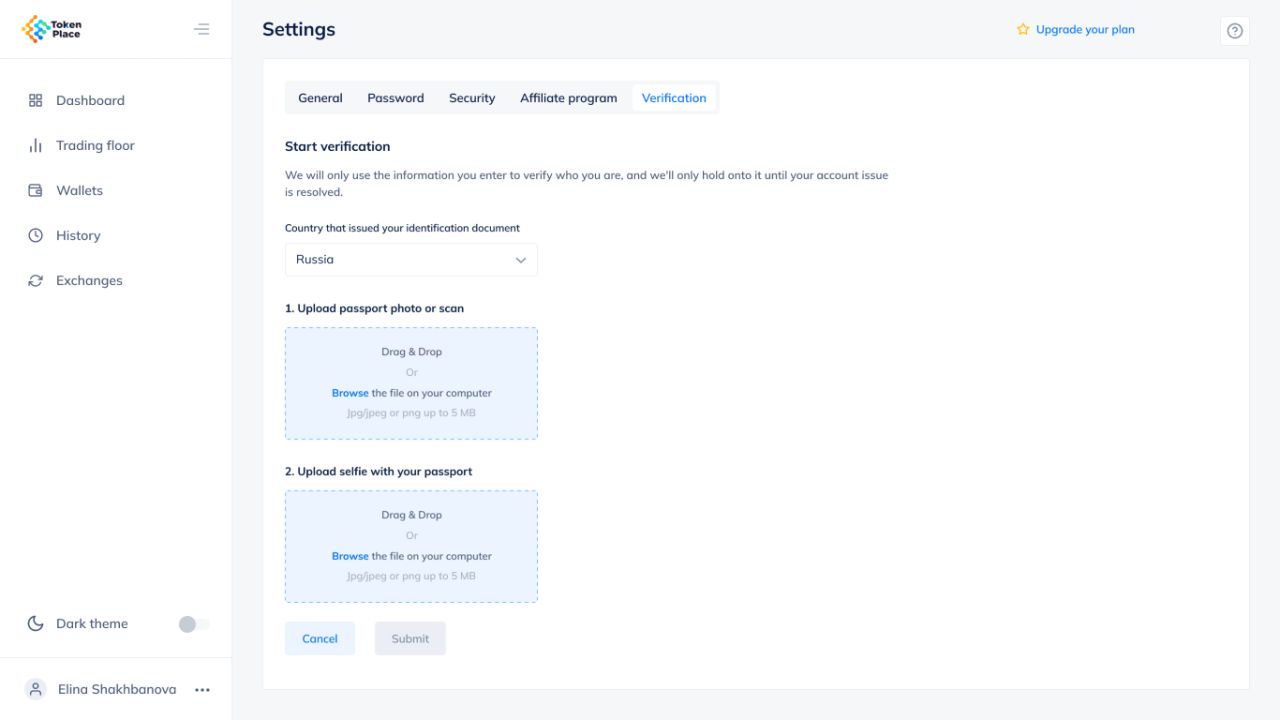
Verification document upload.
Light and dark, with a shared hierarchy
The dark screen set preserves navigation, table structure, and blue action accents across trading, portfolio, exchange, history, and withdrawal views.
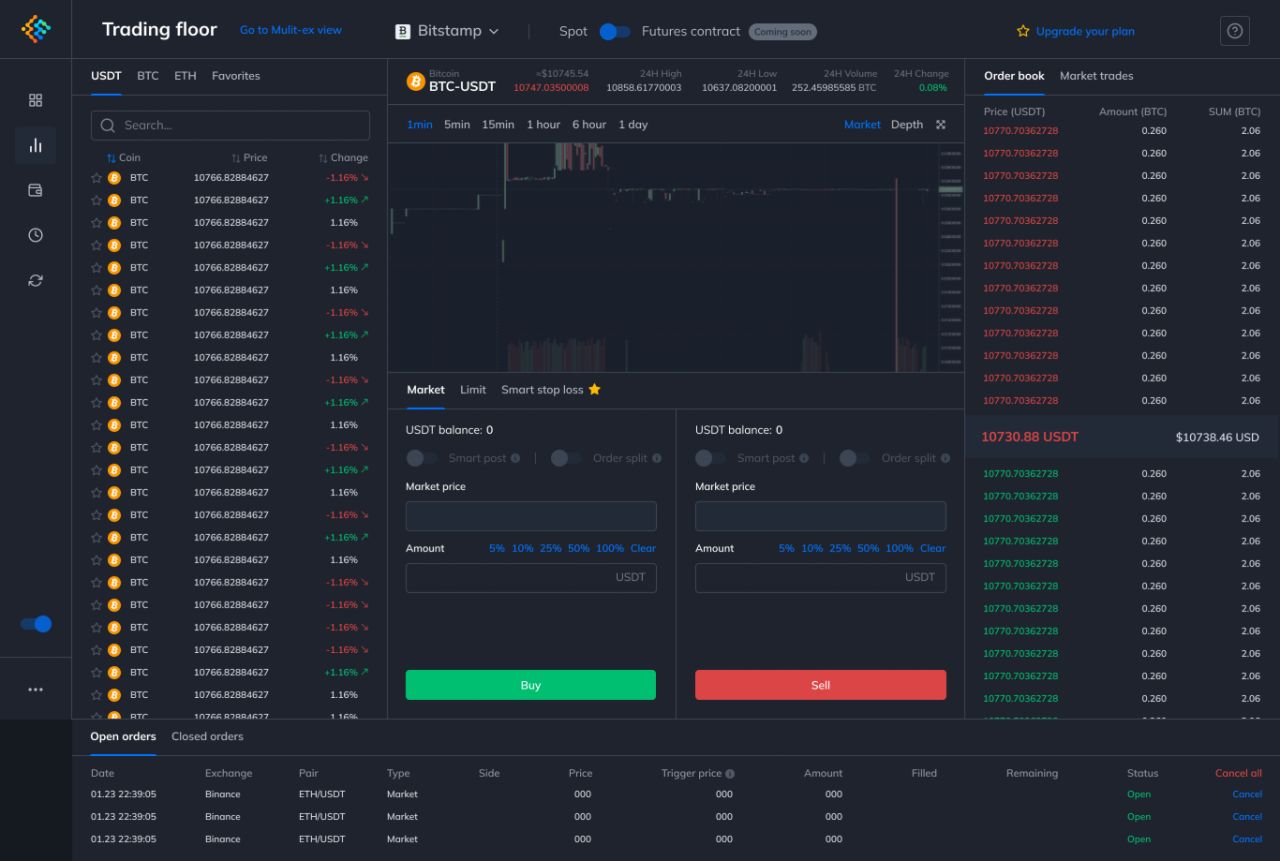
Dark trading floor.
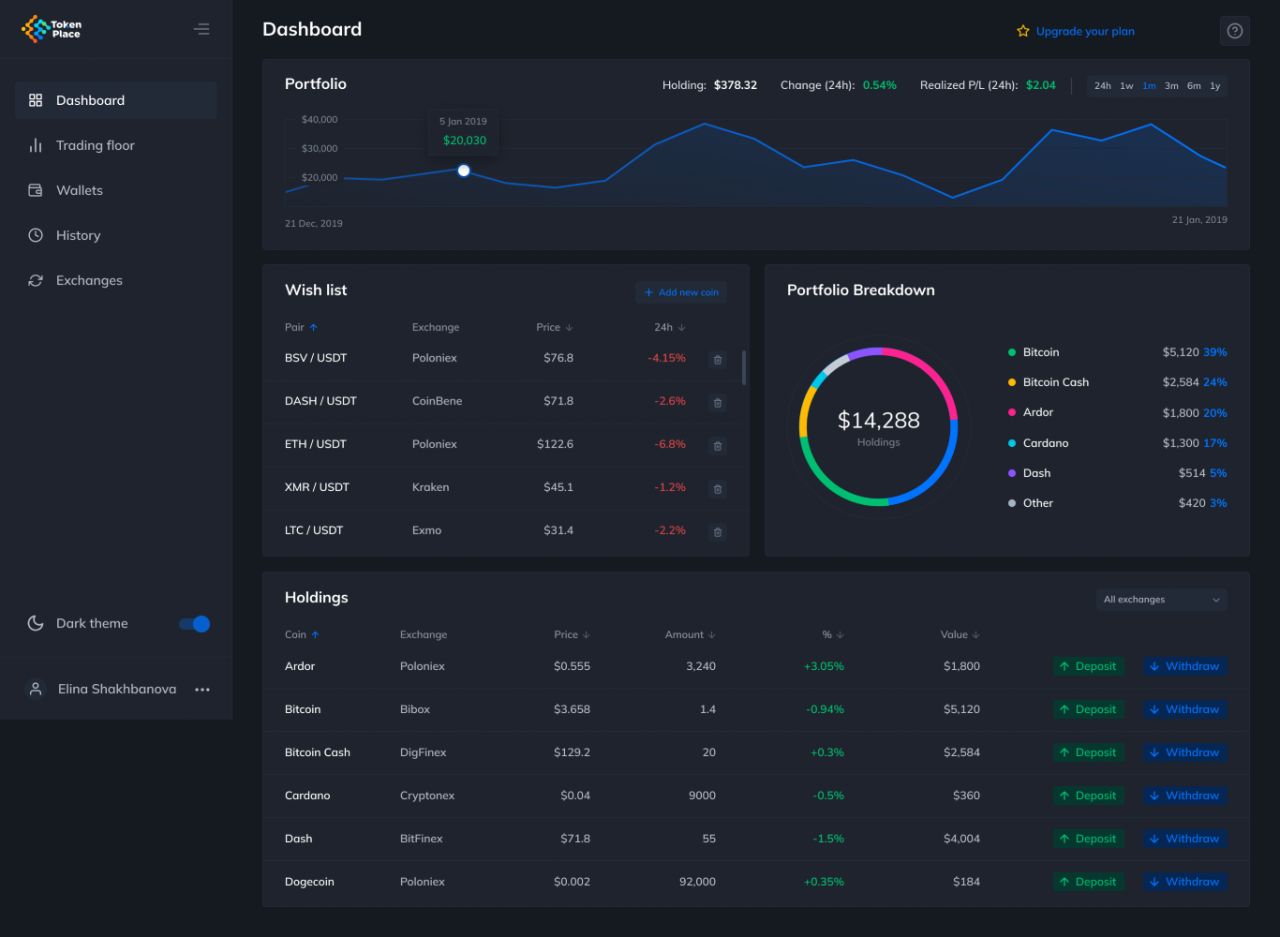
Dark portfolio dashboard.
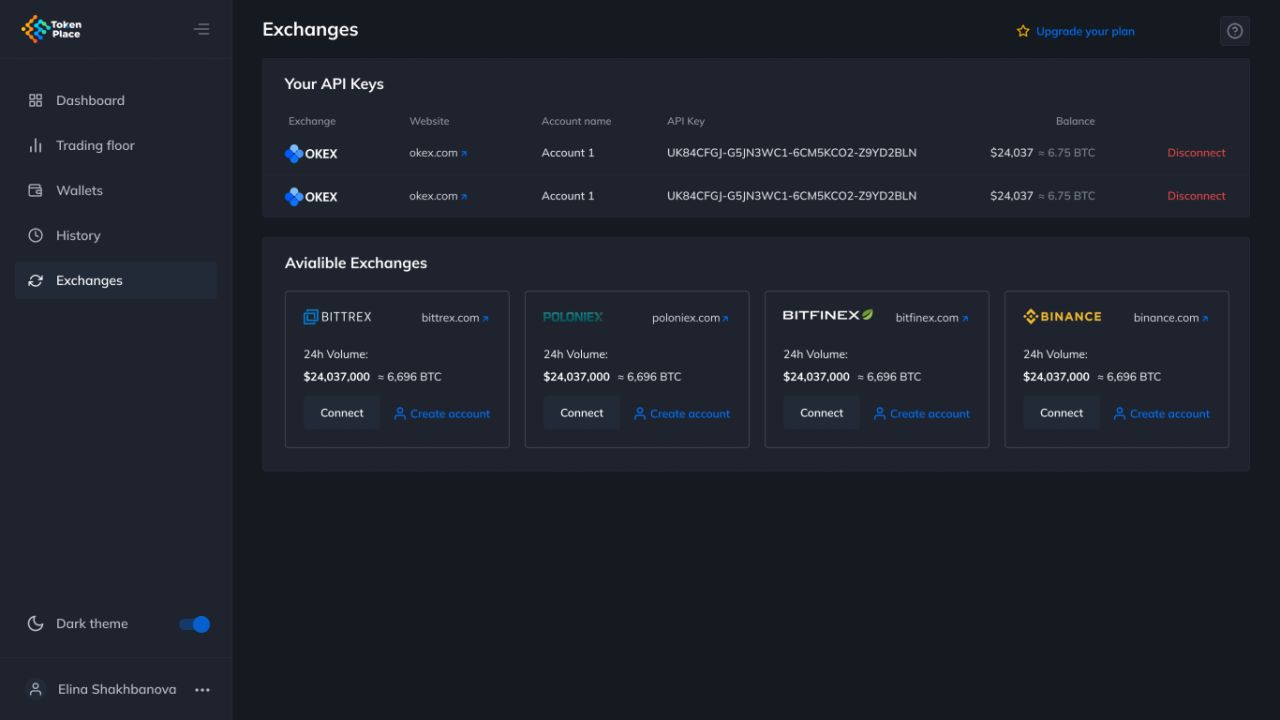
Dark exchange list.
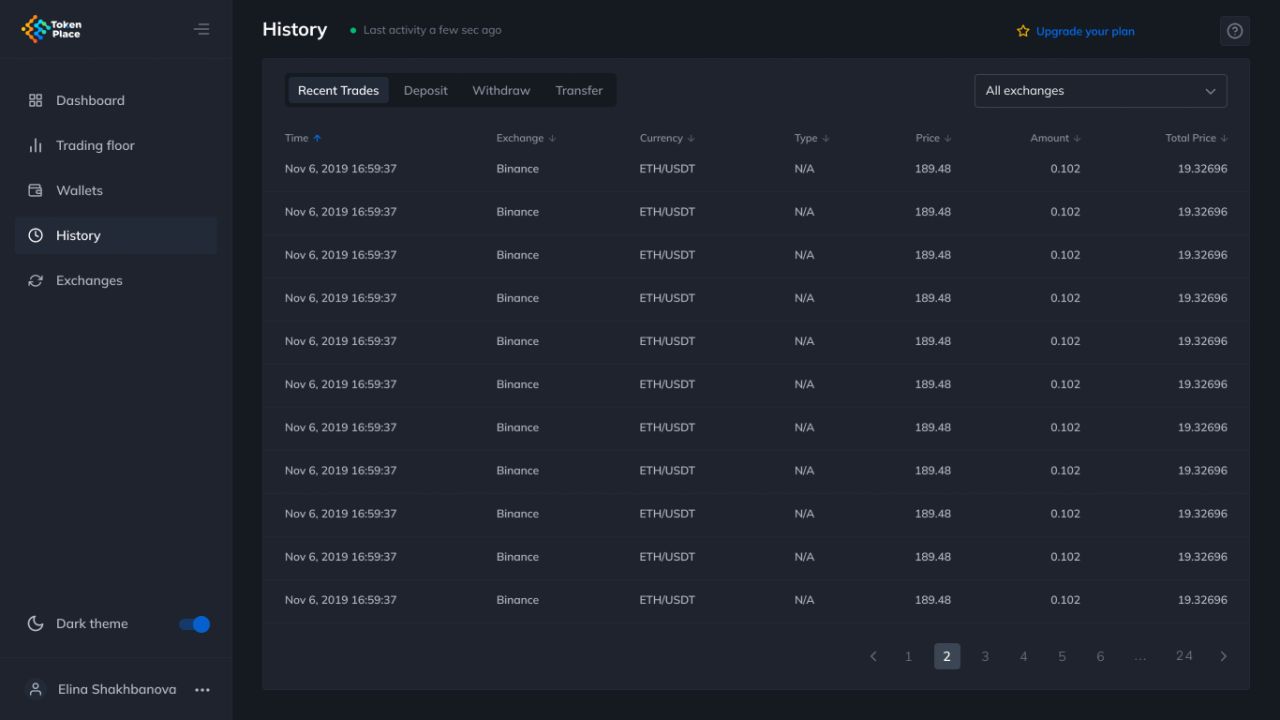
Dark trade history.
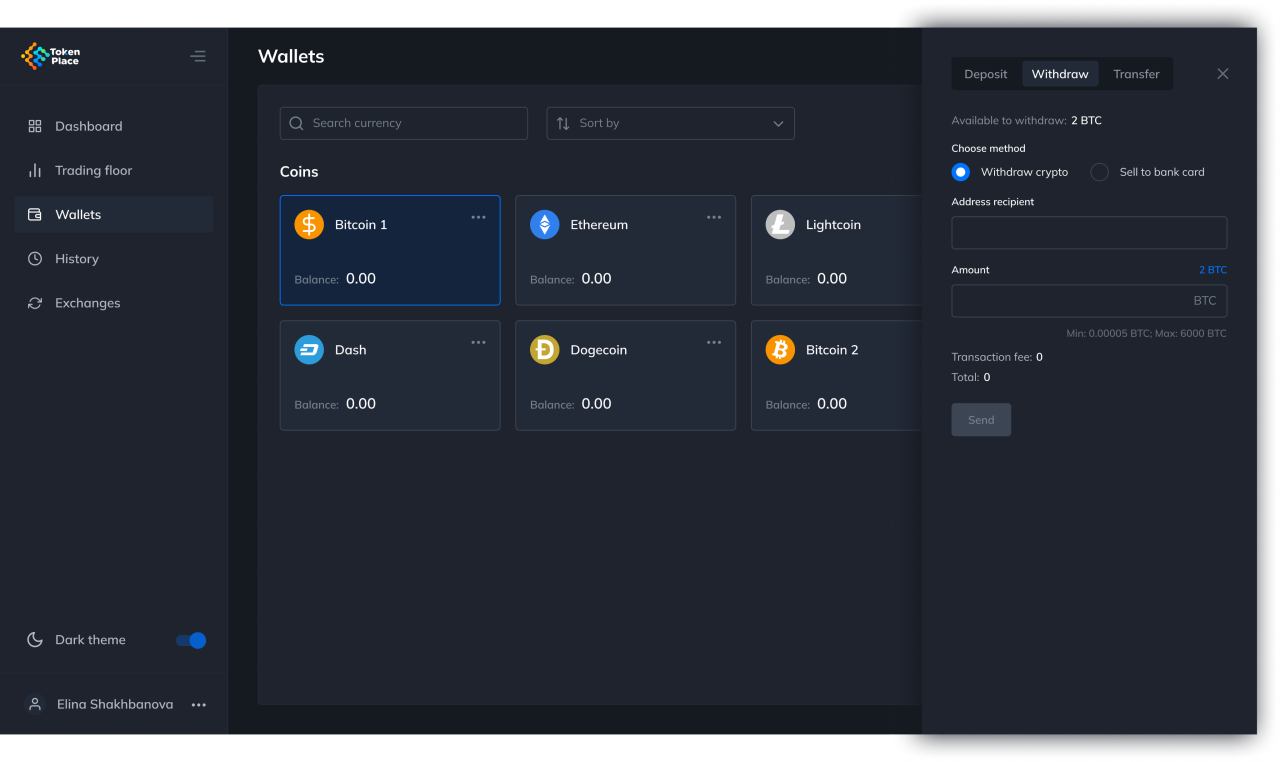
Dark withdrawal panel.
Account messages that stay focused
The email designs cover address verification and password reset. Each message pairs Token Place branding with one prominent action and supporting account guidance.
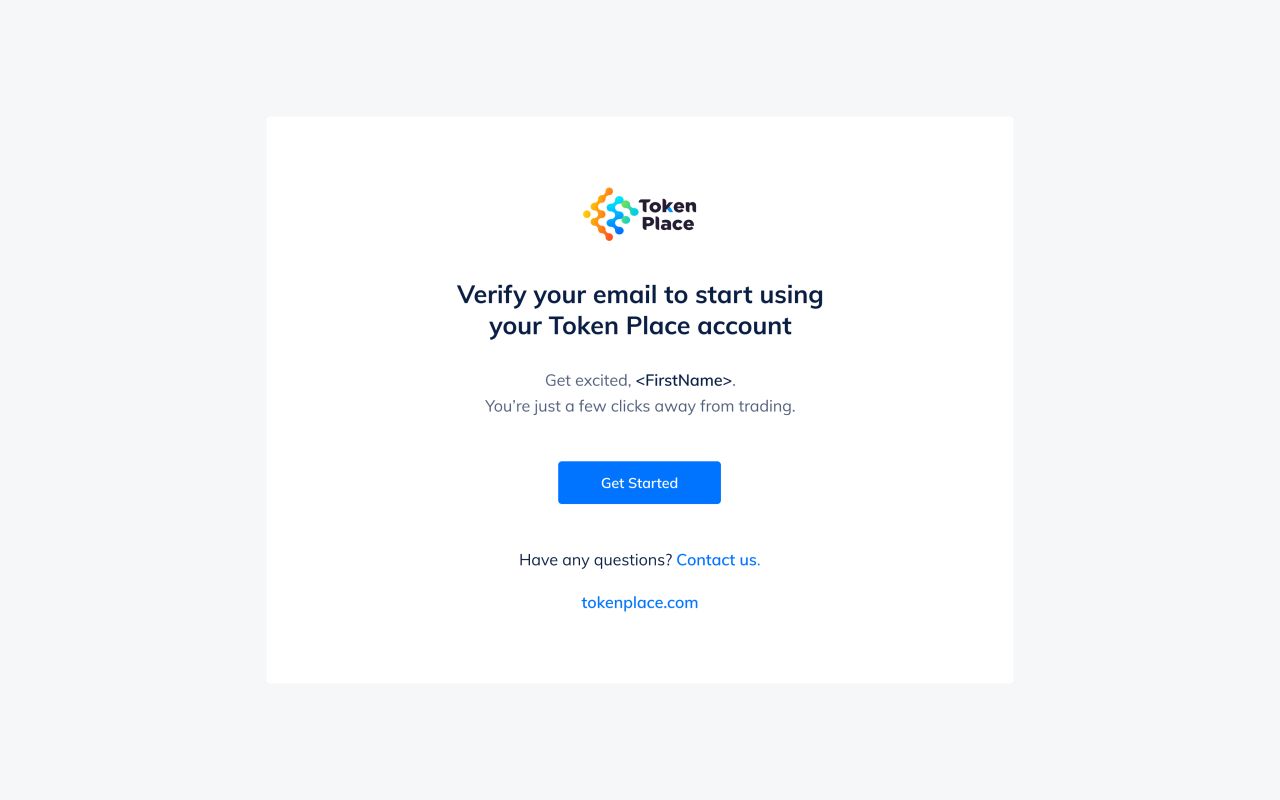
Account verification email.
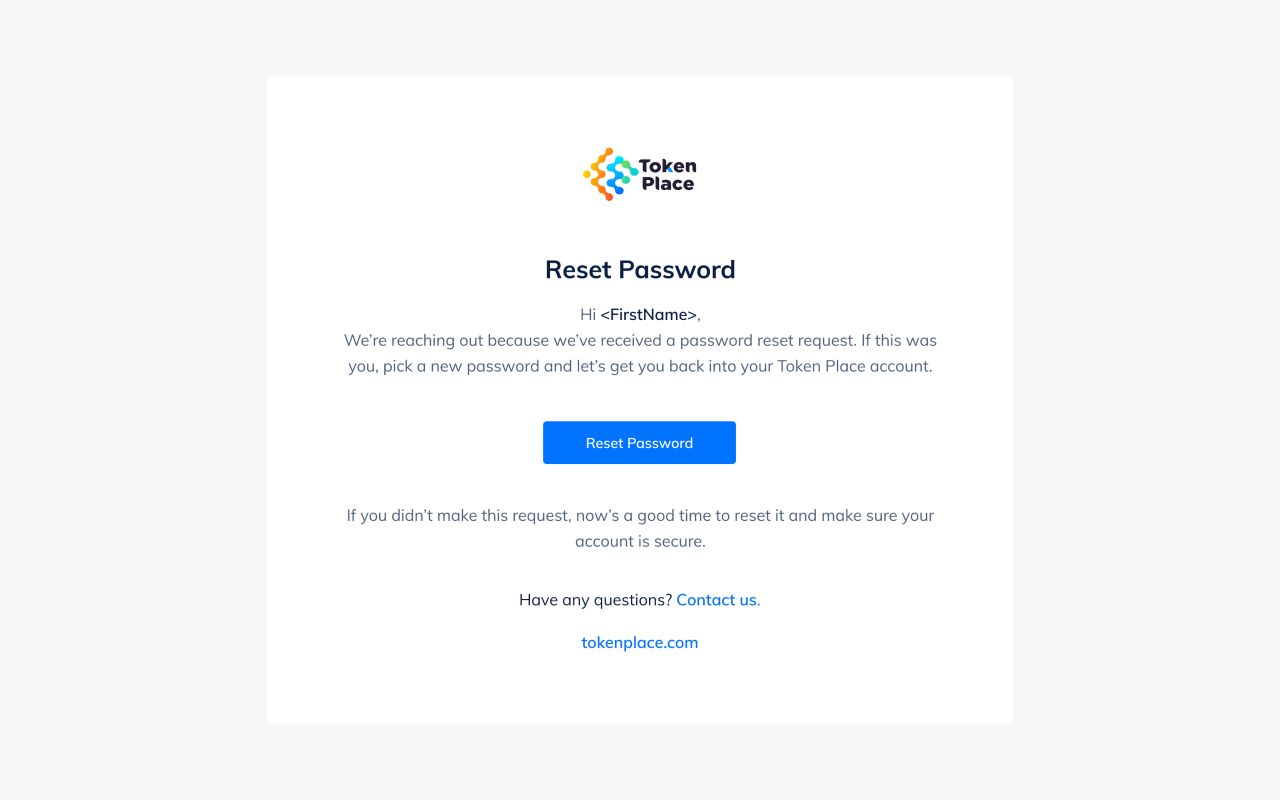
Password reset email.
Our approach
Keep market context visible
Charts, prices, order books, and order controls remain connected in both desktop workspaces and vertically arranged mobile flows.
Connect portfolio and account tasks
A shared navigation and card hierarchy ties holdings, wallets, exchanges, history, subscriptions, and account settings together.
Preserve meaningful states
Light and dark themes, expanded details, dialogs, and advanced trading layouts carry the same visual language without flattening their differences.